How it works
Every way to buy, step by step.
Bid live on fish, poultry and livestock, call out a weight on Sabji Live, or order from the ZF Freezer catalogue at a fixed price. Here is how each one works in the preview app, from the first tap to the front door.
01 — Live auctions
Bid in +৳50 steps. Beat the clock.
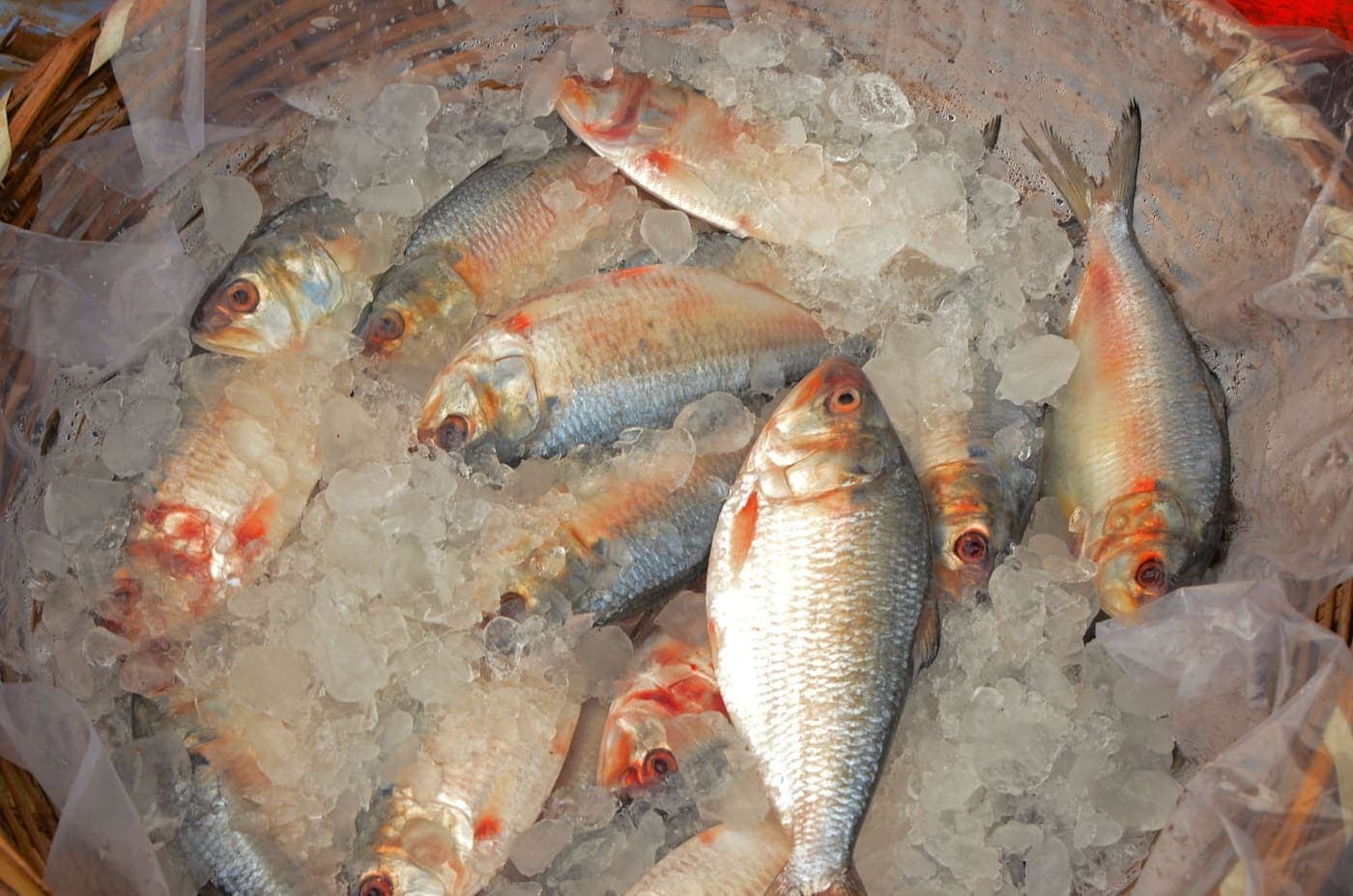
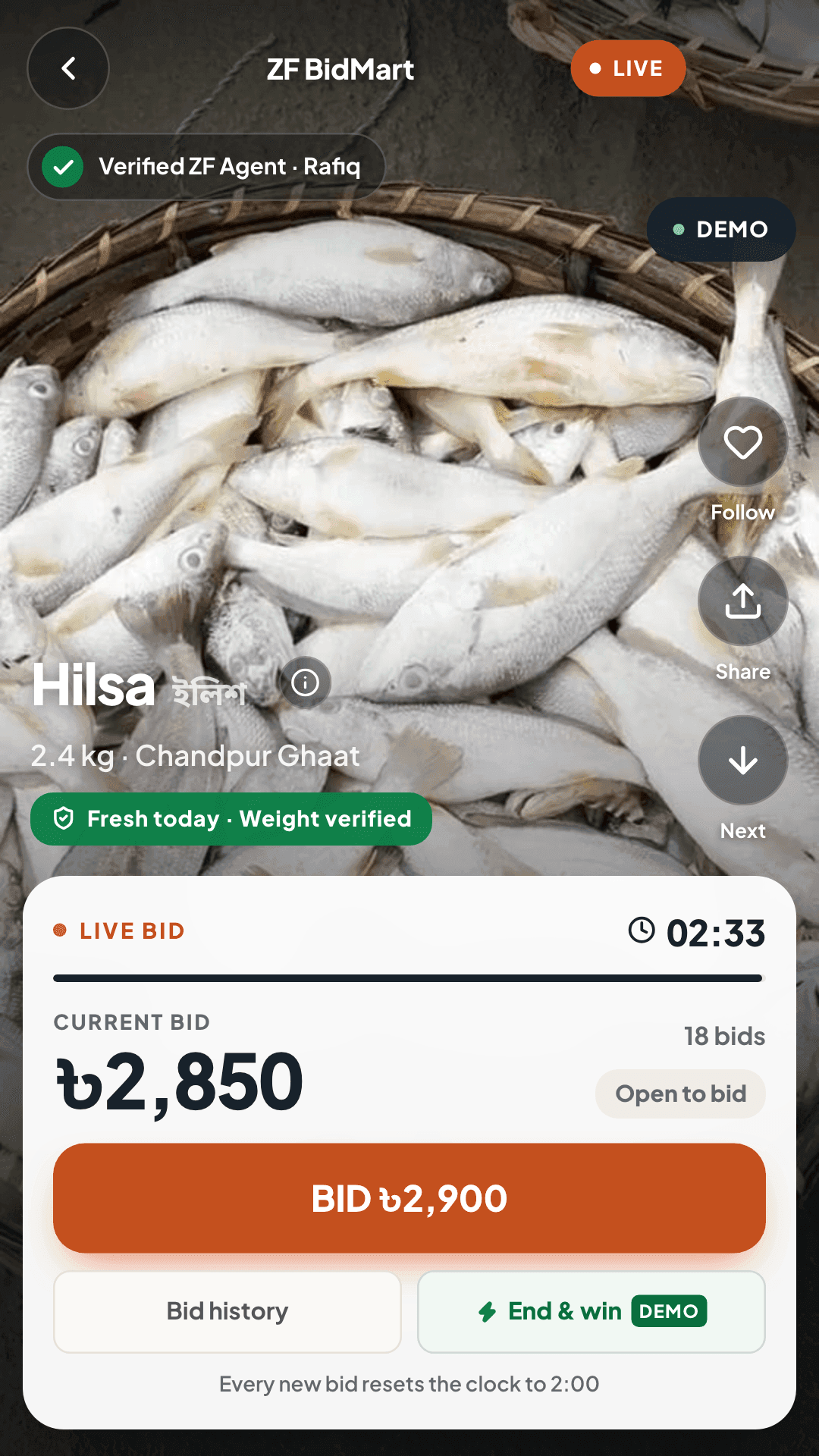
Fish and poultry are sold as short video reels, each with a live price and a countdown. You see the lot, its weight and where it came from before you bid.
Pick a lot from the feed
Filter the feed by category or search by name. The preview has 7 sample lots: 5 fish and 2 poultry.
Each tap adds +৳50
The bid button always raises the current price by exactly +৳50, so you never type an amount and never overshoot.
Every bid resets the clock to 2:00
When anyone bids, the countdown goes back to 2:00. Once bidding starts, a lot only closes after 2:00 passes with no new bid, so a last-second bid always leaves time to answer it.
Highest bid when the clock hits zero wins
If you are leading at 0:00, the lot is yours and the app takes you on to checkout. If someone outbids you, the app tells you right away.
- Bid step
- +৳50
- Clock after a bid
- 2:00
In the preview, rival bids are simulated on your device so you can feel the pace of a live lot. No real bids are placed.
02 — Livestock & the meat map
Buy the whole animal, or just the cut.
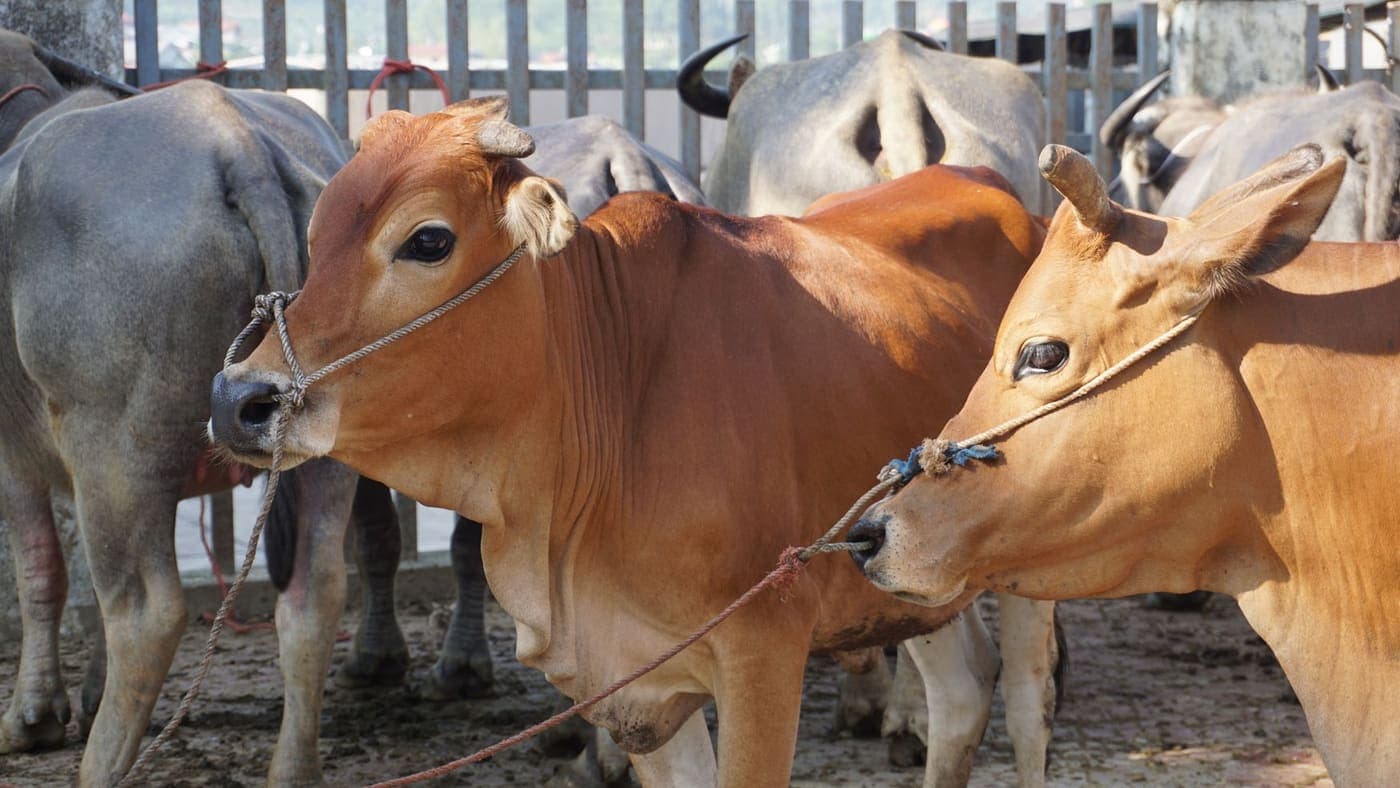
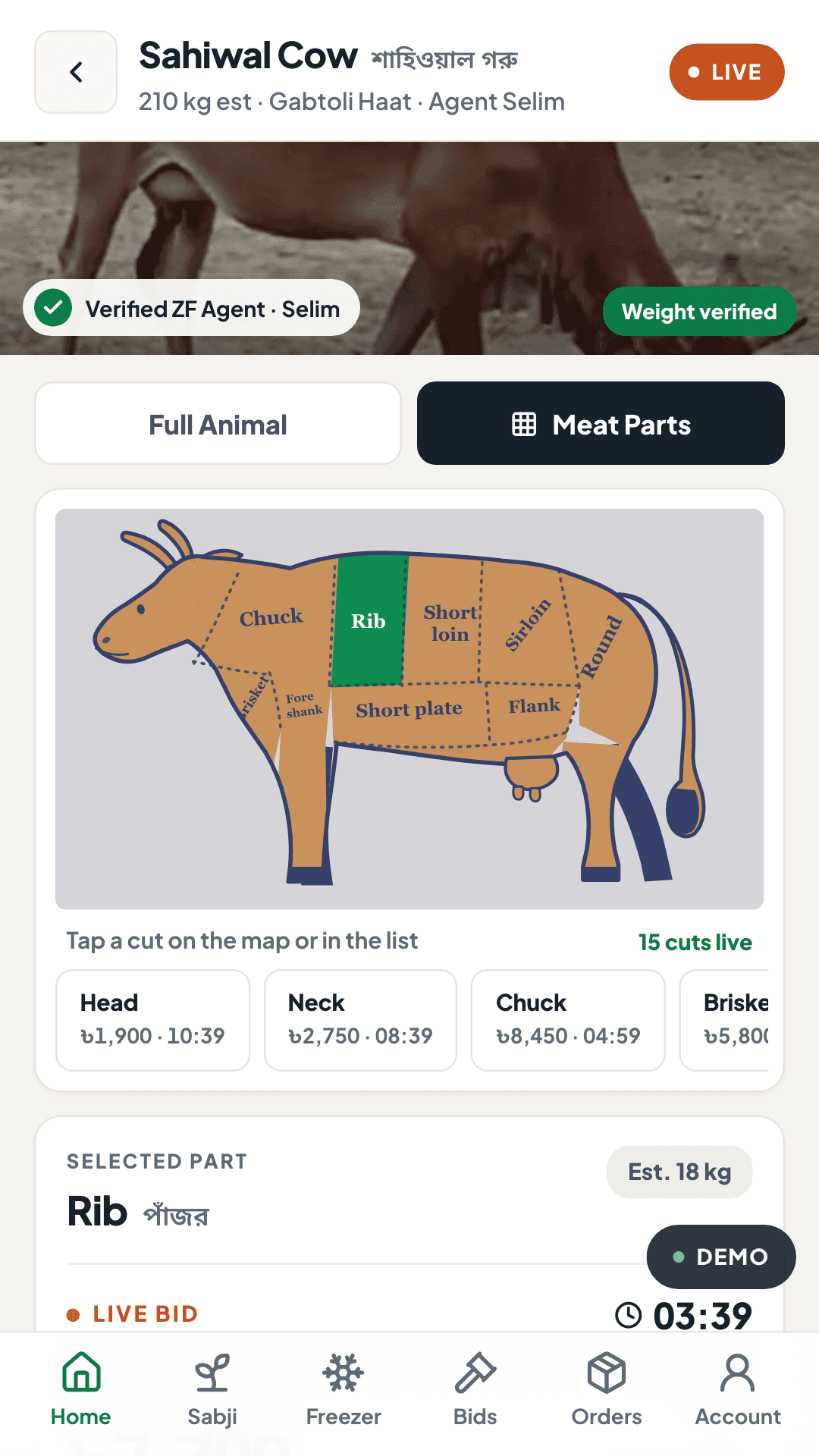
Livestock lots run like the fish auctions, with one difference: on the cow, goat and camel you can bid on the whole animal or on any of 15 cuts, each with its own price and clock.
Choose from 4 species
The preview lists a cow, bull, goat and camel, each with an estimated live weight and the market where it stands.
Whole animal or cuts
Bid on the whole animal, or switch to the meat map and tap a cut. The bull is sold whole only.
15 cuts, each its own auction
Every cut shows its estimated weight, its own opening bid and its own countdown, so you can bid on the rib without buying the rest.
The same fair rules
Bids go up in +৳50 steps and each bid resets that lot's clock to 2:00.
- Cuts on the map
- 15
- Species with a map
- 3
A few cow cuts · estimated weights
- Head মাথা · 12 kg
- Neck ঘাড় · 9 kg
- Chuck চাপ · 22 kg
- Brisket (Sina) সিনা · 14 kg
- Fore shank নলা · 6.5 kg
- Rib পাঁজর · 18 kg
- Short plate পেট · 16 kg
- Short loin পিঠ · 15 kg
03 — Sabji Live
Call out a weight, watch the stock drop.
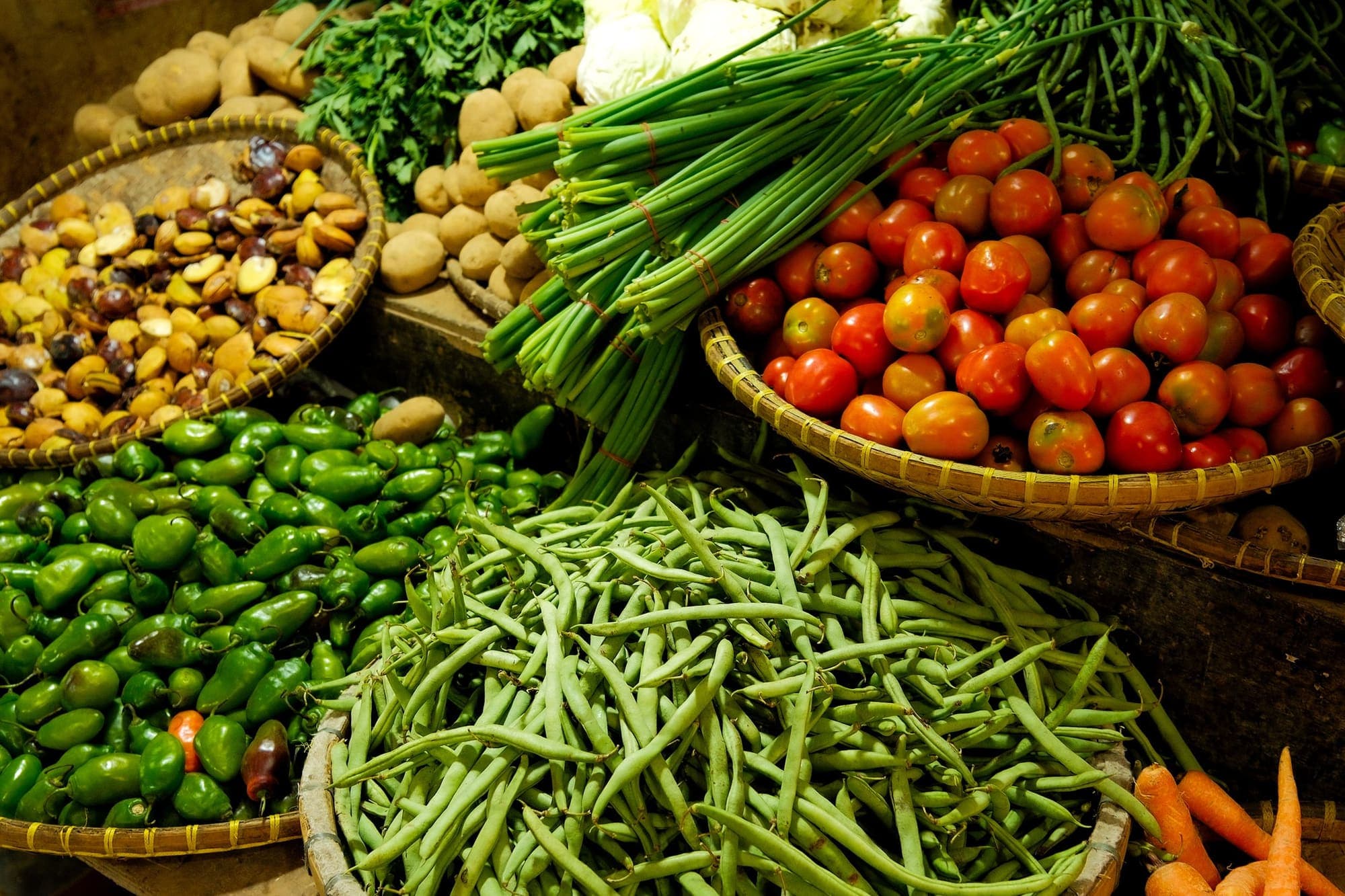
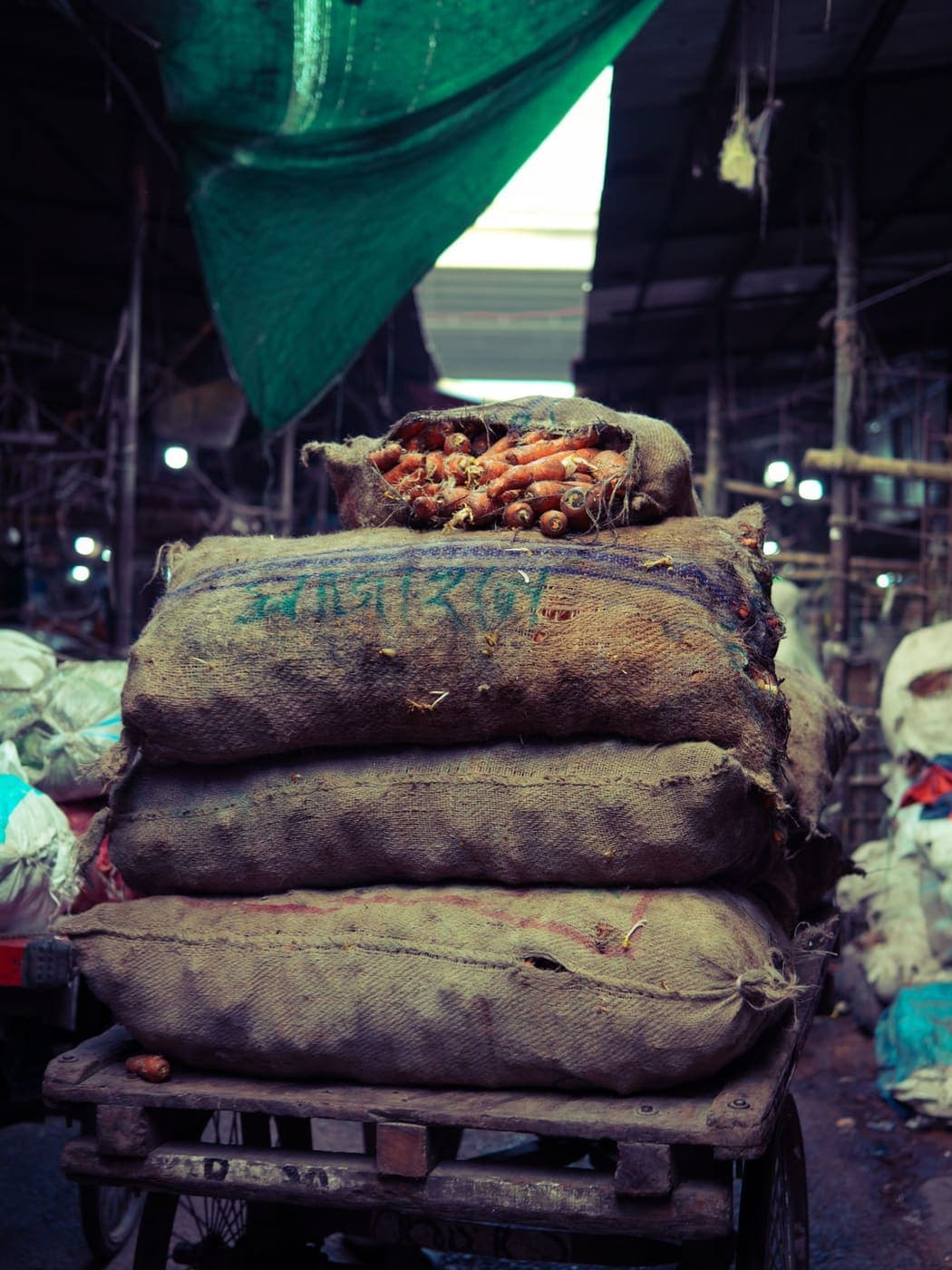
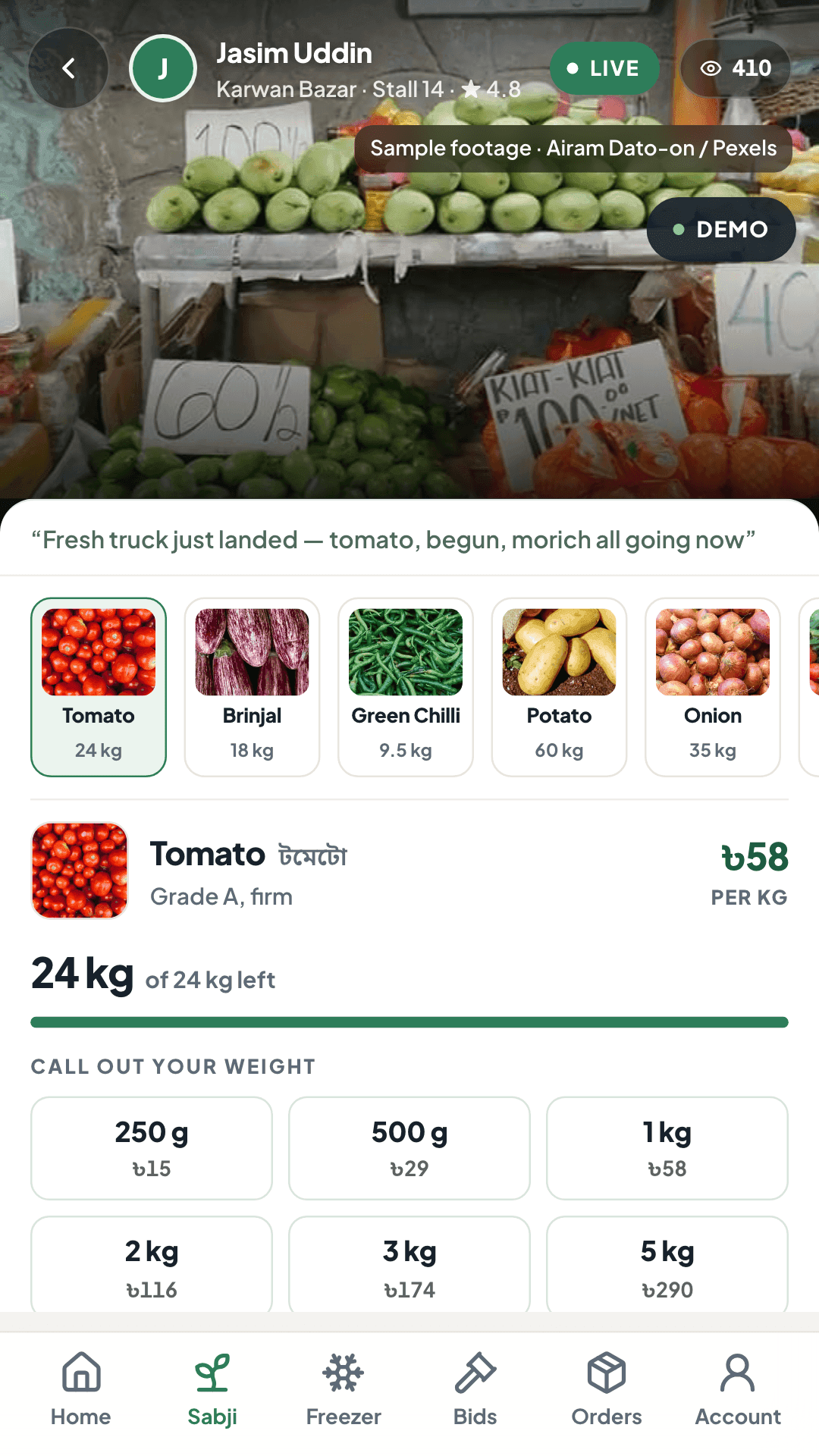
Vegetables are sold live from market stalls at a fixed price per kilo. There is no bidding: you pick an item, call out how much you want, and the stall's stock goes down in front of you.
Join a live stall
Each stall streams from its market with a fixed rate per kilo for every item. The preview has 5 sample stalls and 30 items.
Call out 250 g to 5 kg
Choose a weight — 250 g, 500 g, 1 kg, 2 kg, 3 kg, 5 kg — and it goes straight into your bag at the stall's rate.
Watch the stock drop
Every call takes weight off the stall. A stock bar and a running ticker show what is left, and the app warns you when an item is running low.
Check out your bag
Your bag can hold items from several stalls. Delivery is free from ৳1,000; below that it is ৳80.
- Weights
- 250 g – 5 kg
- Free delivery from
- ৳1,000
In the preview, other buyers' calls are simulated, and the stall videos are sample footage from Pexels.
04 — ZF Freezer
Fixed prices, kept frozen.
When you would rather not bid, ZF Freezer is a butcher's catalogue at fixed prices: frozen and chilled packs you add to a cart like any online shop.
Browse by category or by body part
The preview catalogue has 65 products in 9 categories, including 5 combo boxes. You can also tap a region on the body map to see the cuts that come from it.
Know exactly what is in the pack
Each product page lists the pack size and net weight, with a stated tolerance where it applies, plus how it is stored, its shelf life and how many it serves.
Add to cart
Prices are fixed, so there is no clock. You can add up to 10 of each product to one order.
Free delivery over the threshold
Delivery is free from ৳2,000; below that it is ৳80. The cart shows how far you are from free delivery.
- Frozen packs
- -18°C
- Chilled packs
- 0–4°C
- Free delivery from
- ৳2,000
- Max per product
- 10
Demo catalogue: in the preview, products, prices and stock are sample data. Nothing is shipped and no money is charged.
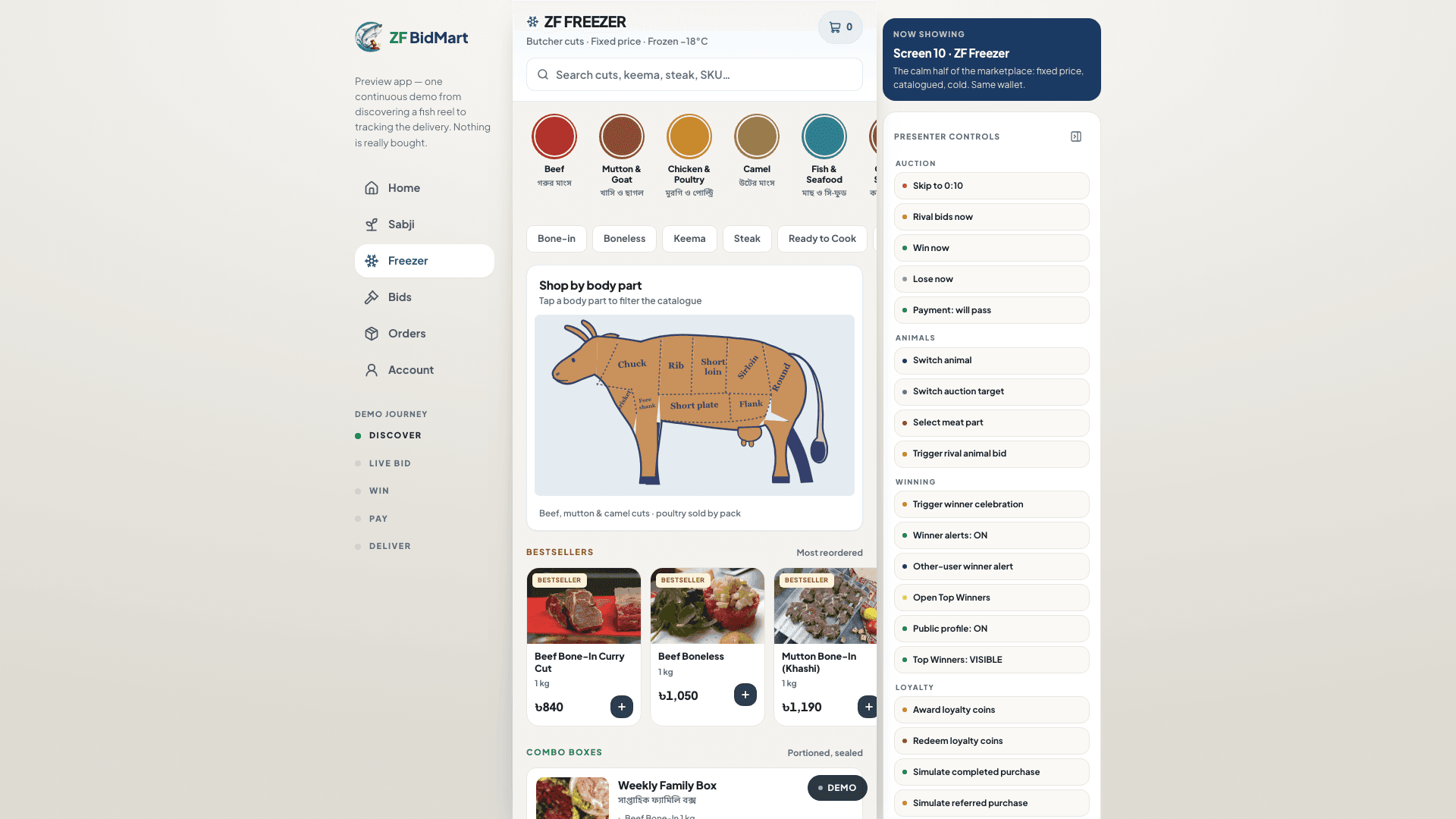
The storefront in the preview: categories, a shop-by-body-part map and bestsellers, all at fixed prices. Sample data.
05 — Checkout
One checkout, every fee shown.
Whether you won a lot or filled a cart, checkout walks you through the same few screens and shows each charge before you pay.
Choose how it is prepared
For an auction or livestock win, take it whole, or have it cut & cleaned (fish and poultry) or cut & packed (meat) for ৳100. Shop orders skip this step.
Add your delivery details
Your name, phone number and delivery address. The form flags anything missing before you continue.
Pay with coins if you have them
Every 10 coins take ৳1 off, up to your balance and the order total.
Pick a payment method
The preview shows mobile banking, card and internet banking options so you can see the flow end to end. Nothing is charged.
| Charge and when it applies | Amount |
|---|---|
| ProcessingOptional, auction and livestock wins: cut & cleaned or cut & packed | ৳100 |
| DeliveryAuction and livestock orders | ৳80 |
| DeliverySabji Live bags under ৳1,000 | ৳80 |
| DeliverySabji Live bags from ৳1,000 | Free |
| DeliveryZF Freezer orders under ৳2,000 | ৳80 |
| DeliveryZF Freezer orders from ৳2,000 | Free |
Demo checkout — no payment gateway is connected and no money is charged.
06 — Delivery & tracking
Follow every order to your door.
In the app, each order gets a timeline of 6 stages written for what you bought: the stages describe a fish being cleaned, a cut being butchered, a Sabji bag being weighed or a Freezer pack being picked from the cold store.
Fish & poultry wins
- Bid won
- Payment received
- Fish received at ZF warehouse
- Processing & packing
- Out for delivery
- Delivered
Livestock wins
- Bid won
- Payment received
- Received at ZF processing unit
- Butchering & packing
- Out for delivery
- Delivered
Sabji Live bags
- Order placed
- Payment received
- Seller bagged your weight
- Quality check at hub
- Out for delivery
- Delivered
ZF Freezer orders
- Order placed
- Payment received
- Picked from cold store
- Packed & sealed
- Out for delivery
- Delivered
Demo tracking — no rider, warehouse or delivery is involved. In the preview, a new order opens at stage 4 (“Processing & packing” for a fish win) and a Demo button moves it along. Fish and meat orders show sample processing footage from Pexels, and once an order is delivered you can rate it for 15 coins.
07 — Coins & referrals
Coins on every order, and for friends.
ZF BidMart coins are a simple loyalty balance: you earn them when you buy, when you leave feedback and when friends you refer buy, and you spend them as money off at checkout.
Earn
10 coins
for every ৳1,000 you spend
Coins are added when you pay for an order. Rating a delivered order adds 15 more.
Redeem
10 coins = ৳1
off at checkout
Use them on any order, up to your balance and the order total.
Refer
10%
of a friend's purchase counts towards your coins
Share your referral link or QR code from your account. When a friend you referred buys, 10% of that purchase earns coins at the usual rate (10 coins per ৳1,000), so a ৳10,000 purchase earns you 10 coins.
In the preview, coins, referrals and referred purchases are demo data stored only in your browser. They have no cash value.
Get the app
See it for yourself, in the preview.
Install ZF BidMart on your phone or computer and open it from your home screen like any other app — or try it in your browser first.
Google Play — coming soonAn Android app on Google Play is planned. Until then, install the web app — it works the same way.