FAQ
Questions, answered.
How the preview works, what each way of buying does, and what is simulated. Everything here describes the preview app as it is today.
The preview
What is ZF BidMart?
ZF BidMart is a preview of a fresh-food marketplace built for Bangladesh’s fresh-food markets. In the app you can bid live on fish, poultry and livestock, buy vegetables on Sabji Live by calling out a weight, or order frozen butcher cuts at a fixed price from ZF Freezer.
About ZF BidMartAre orders, bids and payments real?
No. The preview runs entirely in your browser on sample data. No real orders, bids or payments are processed, and no money is ever charged.
Checkout is labelled “Demo checkout”, and a DEMO label stays on screen while you shop, bid and check out.
Who are the sellers and other bidders in the app?
They are part of the simulation. Rival bids, other shoppers taking vegetables and winner alerts are generated by the app so you can see how a live market behaves. They are not real people.
Do I need an account?
No. You can continue as a guest. The phone sign-in is a demo: no text message is sent, and the number stays on your device.
Are the prices real?
No. Every price in the preview app and on this website is sample data.
Where is my data kept?
Your bag, cart, orders, coins and settings are saved in this browser’s storage on your device. There are no accounts or servers behind the preview.
“Reset demo data” in the app’s Settings restores the sample data.
Preview privacy notice
Buying
How does a live auction work?
Each fish or poultry lot shows its weight, where it comes from and the current bid. Every bid adds +৳50 and resets the lot’s clock to 2:00, so other bidders always have time to answer. When the clock runs out, the highest bid wins.
How live auctions workCan I buy part of an animal?
Yes. In the app, the cow, goat and camel can be bid on whole or cut by cut: the meat map shows 15 cuts, and each cut has its own live bid. The bull is sold whole.
How the meat map worksHow does Sabji Live work?
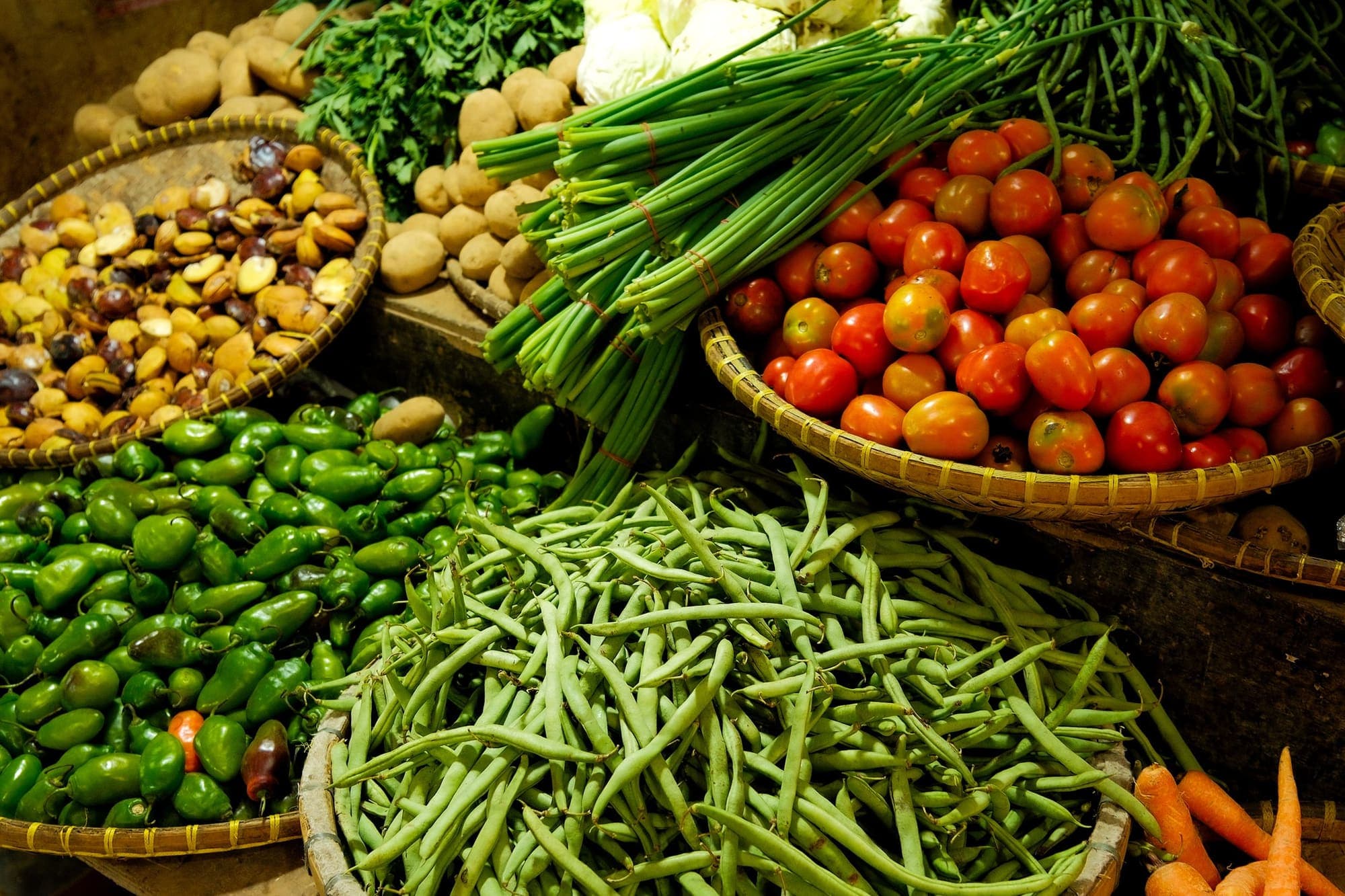
There is no bidding on Sabji Live. Each stall sells vegetables at a fixed price per kg. Pick an item and call out a weight from 250 g to 5 kg: it goes into your bag, and the stall’s stock drops by the same amount.
The videos on Sabji Live are sample footage from Pexels, not recordings of the stalls.
How Sabji Live worksWhat is ZF Freezer?
ZF Freezer is a fixed-price catalogue of frozen butcher cuts: 65 products in 9 categories, including 5 combo boxes. You can browse by category, by type of cut or by part of the animal. Frozen packs are listed at −18°C, and you can add up to 10 of each product to your cart.
How ZF Freezer works
Orders and delivery
What does delivery cost?
In the preview, auction and livestock orders pay a ৳80 delivery fee. Sabji Live orders deliver free from ৳1,000, and ZF Freezer orders free from ৳2,000; below those amounts, delivery is ৳80 for Sabji Live and ৳80 for ZF Freezer. These are sample fees.
Can my fish or meat be cut and cleaned?
After you win an auction or livestock lot, you choose how it arrives: whole, or cut and cleaned (cut and packed for livestock), which adds a ৳100 processing fee in the preview.
How do I pay?
You don’t — checkout is a demo. The app shows mobile banking, card and internet banking options so you can see the flow, but no payment gateway is connected and no money is charged.
How does order tracking work?
Each order moves through 6 stages, from “Bid won” or “Order placed” to “Delivered”. In the preview the progress is simulated: a demo button moves the order on one stage at a time.
Coins and referrals
How do coins work?
You earn 10 coins for every ৳1,000 you spend, and 10 coins are worth ৳1 off a later order. Leaving feedback on a delivered order earns 15 coins. In the preview, coins are sample data kept on your device.
How do referrals work?
In the app you have a referral code and a QR code that open this site’s install page. When a referred friend buys, 10% of that purchase earns you coins at the usual rate — a ৳10,000 purchase earns 10 coins. In the preview, referred friends and their purchases are simulated.
Installing
How do I install ZF BidMart?
ZF BidMart is a web app, so you install it from your browser — no app store needed. It takes a few steps in your browser’s menu or share sheet, and it then opens from your home screen or app list like any other app.
Install steps for your deviceIs ZF BidMart on Google Play?
Not yet. An Android app on Google Play is planned. Until then, install the web app — it works the same way.
Does the app work offline?
Yes, once you have opened it with a connection. The app’s screens then work offline, and your bag, cart and orders stay saved on your device. Videos need a connection: offline, you see a still picture instead.
This website itself needs a connection.
I already installed it. How do I open it?
Already added? Open ZF BidMart from your Home Screen. On a computer, open ZF BidMart from your app list, Dock or Start menu.
Photos and credits
Where do the photos and videos come from?
They are from Pexels, and each one is credited to its photographer next to the photo and on the credits page.
Photo creditsAre the people in the photos ZF BidMart sellers or customers?
No. People who appear in photos or videos are part of stock footage from Pexels. They are not ZF BidMart sellers, customers or winners.
Are the app screenshots real?
Yes. The screenshots on this site are captured from the preview app, showing its sample data.
The quickest answer is to try it.
Try the app in your browserGet the app
Take the market with you.
Install ZF BidMart on your phone or computer and open it from your home screen like any other app — or try it in your browser first.
Google Play — coming soonAn Android app on Google Play is planned. Until then, install the web app — it works the same way.