Preview
Fresh from the ghaat, haat and bazar.
Bid live, or buy at a fixed rate. ZF BidMart is a marketplace built for Bangladesh's fresh-food markets, with three ways to buy: live auctions for fish, poultry and livestock, Sabji Live for vegetables by the weight you call out, and ZF Freezer for frozen butcher cuts at fixed prices.
Google Play — coming soonAn Android app on Google Play is planned. Until then, install the web app — it works the same way.
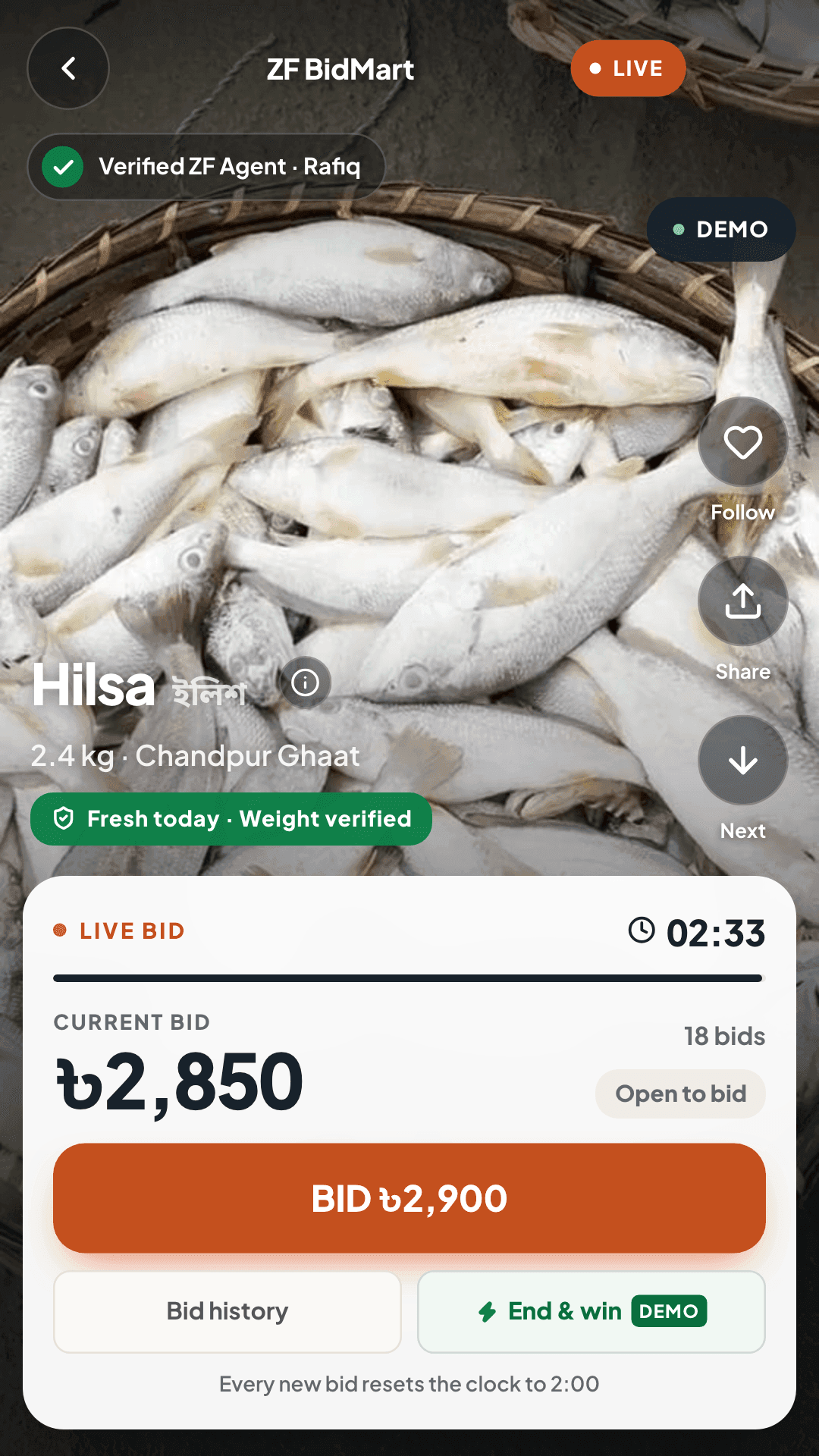
How bidding looks
Illustration of the preview · sample lot
Each bid adds +৳50. A late bid puts the clock back to 2:00.
Three ways to buy
Bid when it's worth it, buy when it's simple.
Auctions for the catch of the day and the animals at the haat, a fixed rate for vegetables and frozen cuts. The numbers below come from the preview app; prices in it are sample data.
01 — Live auctions
Bid live on fish, poultry and livestock
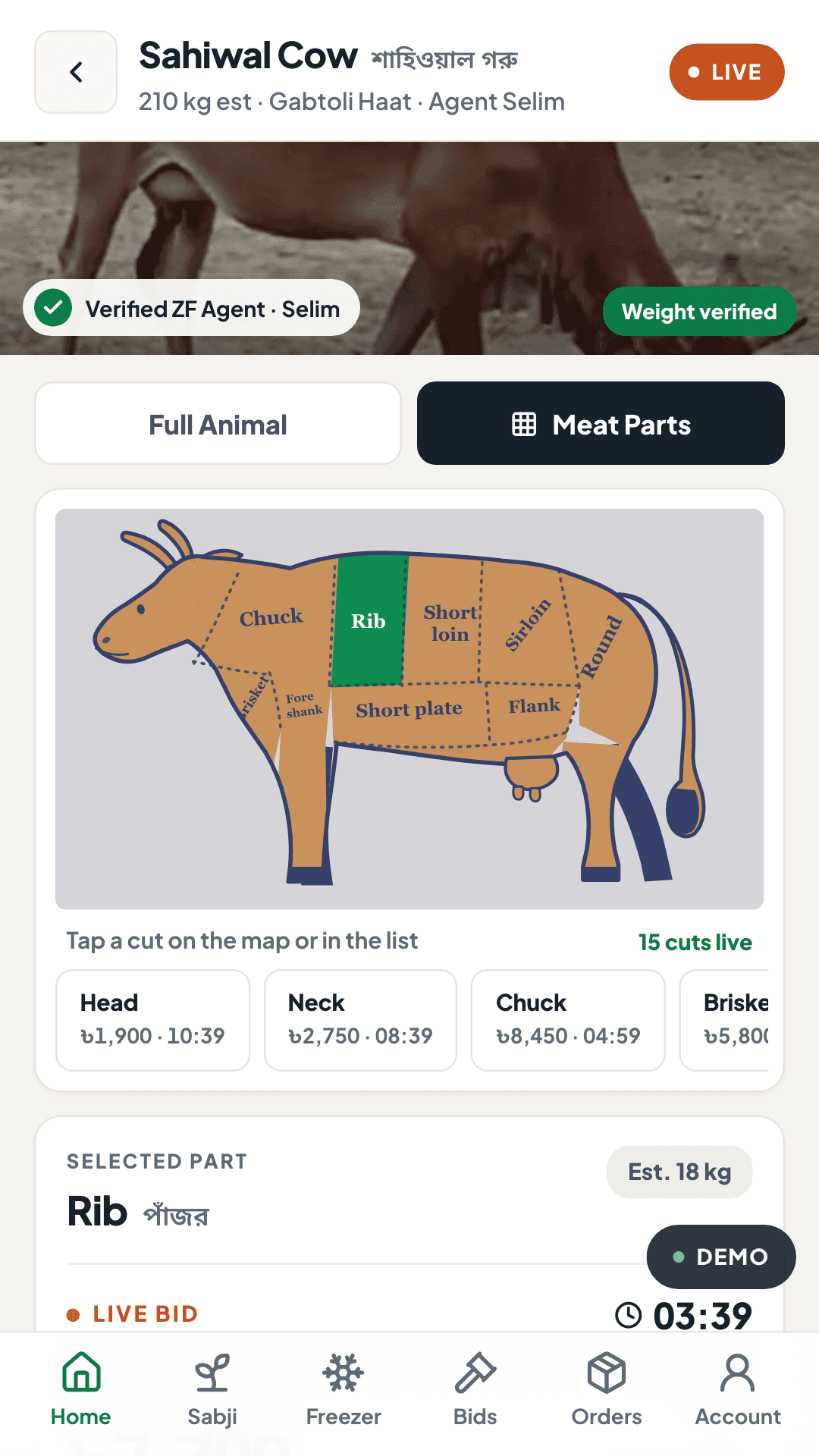
Watch the lot, bid in +৳50 steps and keep an eye on the clock. Livestock can be bought whole or as any of 15 cuts on the cow map.
- Every bid adds +৳50
- Each new bid resets the clock to 2:00
- 5 fish and 2 poultry lots, 4 livestock animals in the preview
02 — Sabji Live
Vegetables at a fixed rate, by the weight you call
Join a live vegetable stall, pick an item at its price per kg and call out a weight from 250 g to 5 kg. The stall’s stock drops as weights are bagged.
- Weights from 250 g to 5 kg
- Free delivery from ৳1,000, otherwise ৳80
- 5 stalls and 30 items in the preview
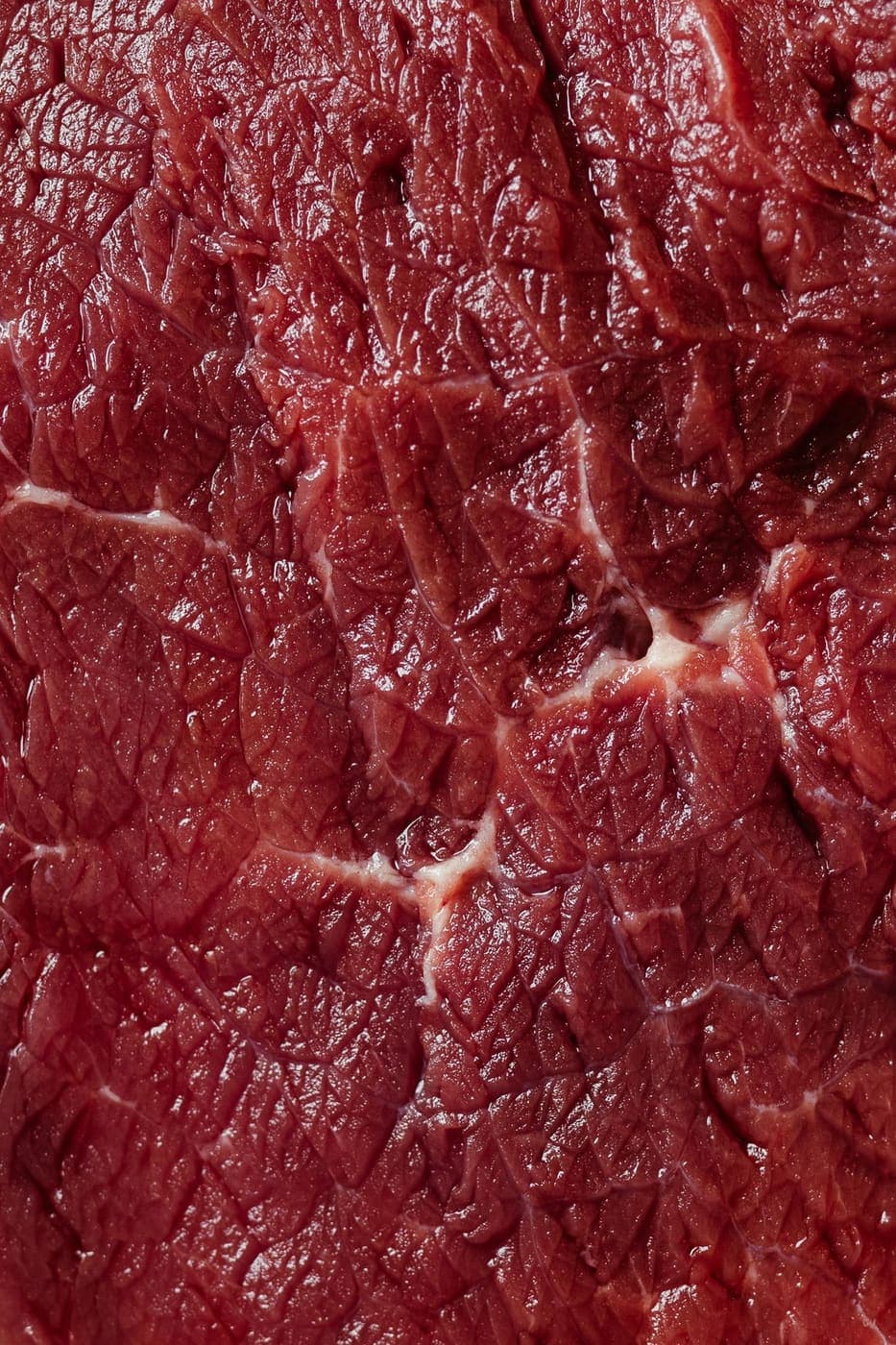 Photo · Jonathan Borba / Pexels
03 — ZF Freezer
Frozen butcher cuts at a fixed price
No bidding: browse a frozen catalogue by category or by body part, add packs to the cart and check out.
- 65 products in 9 categories
- Frozen packs at -18°C, chilled at 0–4°C
- Free delivery from ৳2,000, otherwise ৳80
Market morning
Where the food comes from.
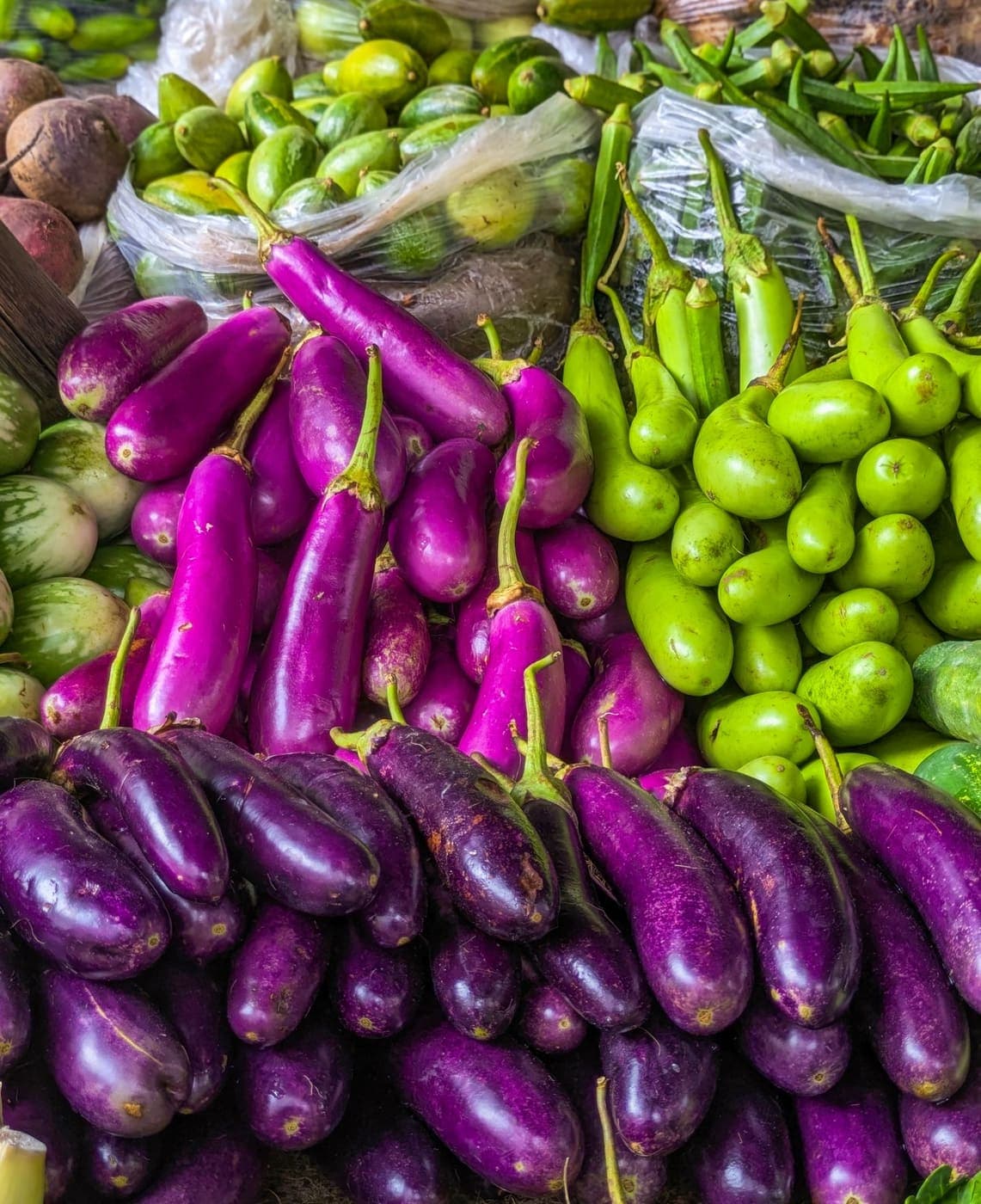
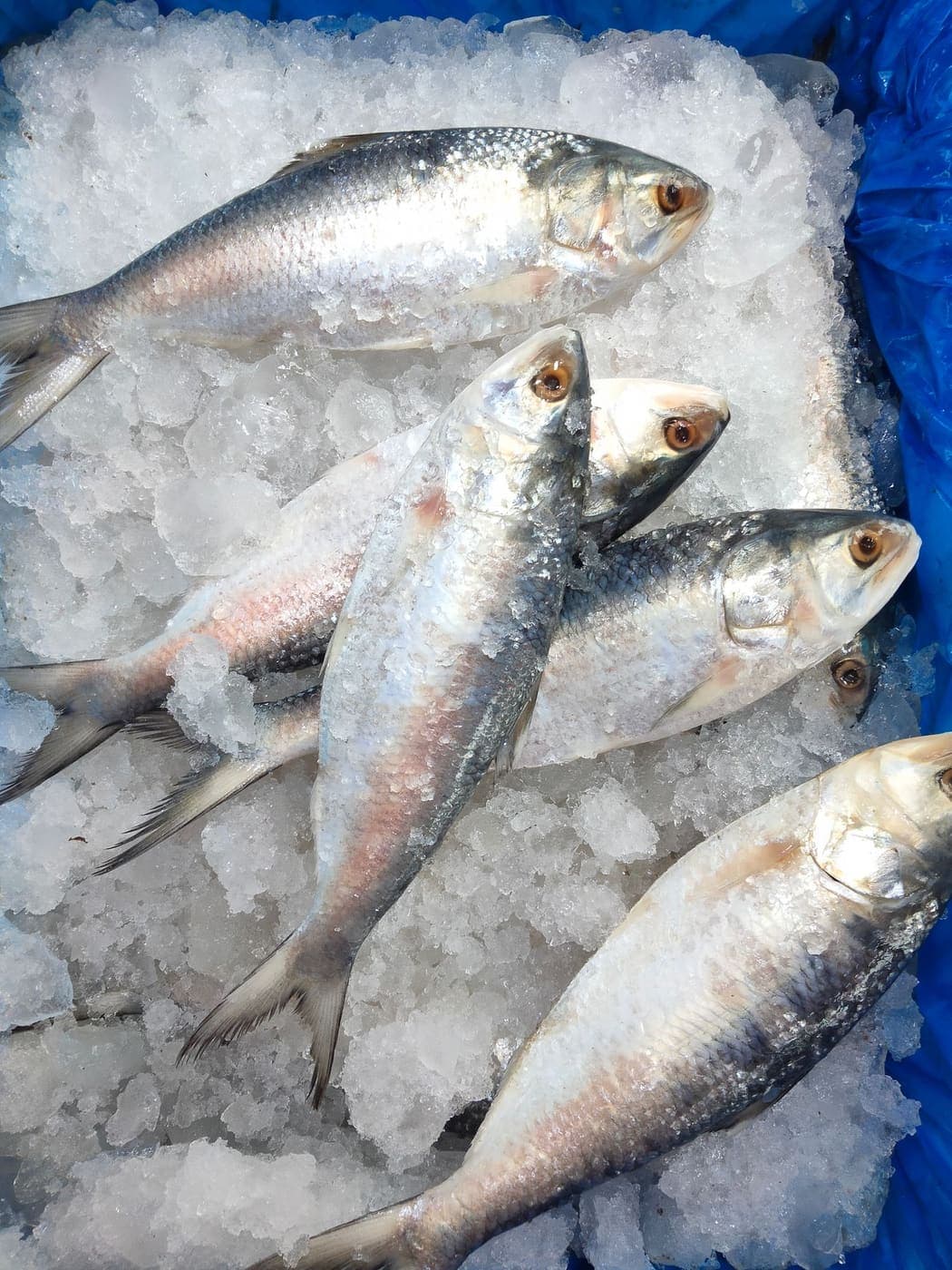
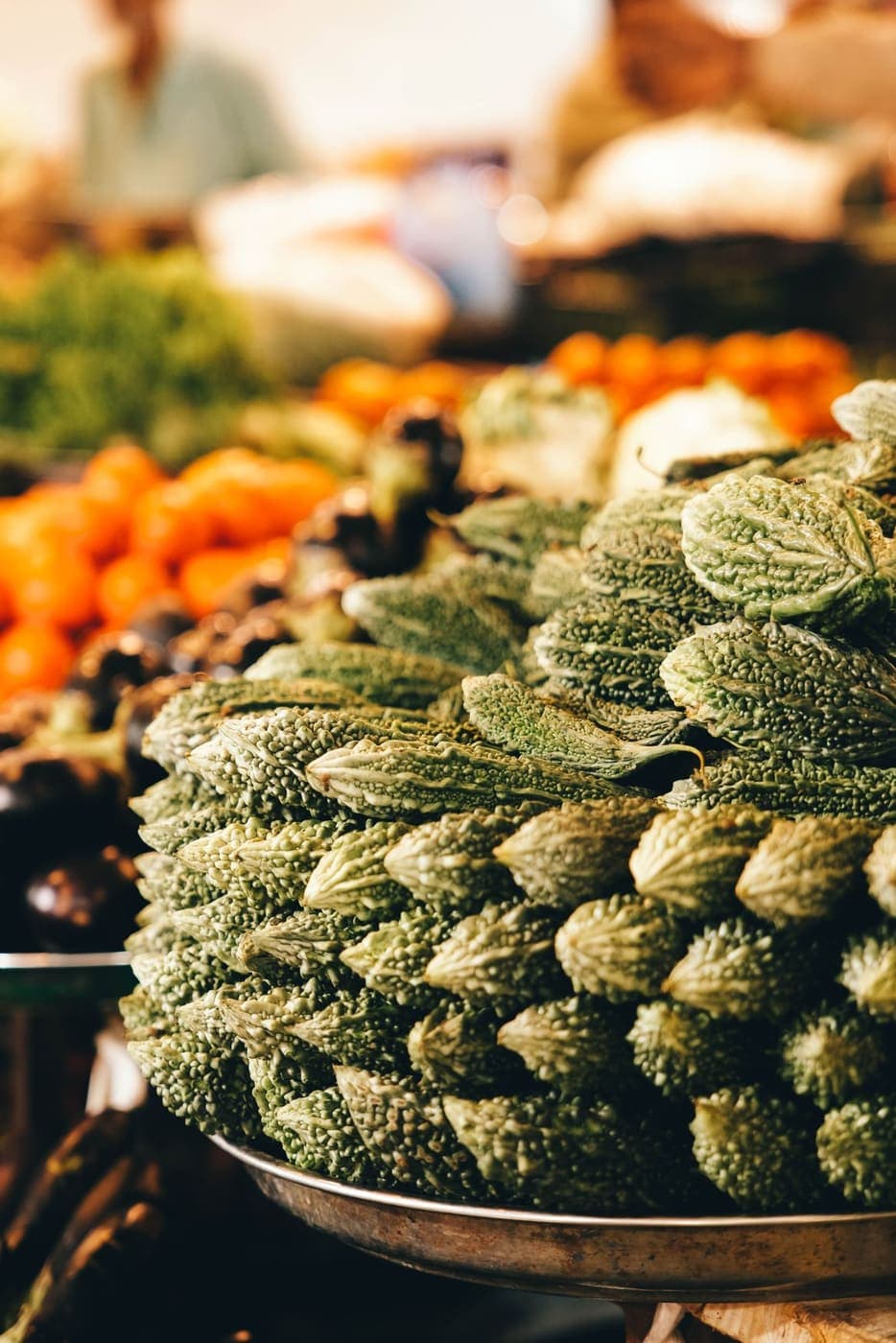
Fish from the ghaat, cattle and goats from the haat, vegetables from the bazar. These are stock photographs from Pexels, shown for atmosphere — not ZF listings.
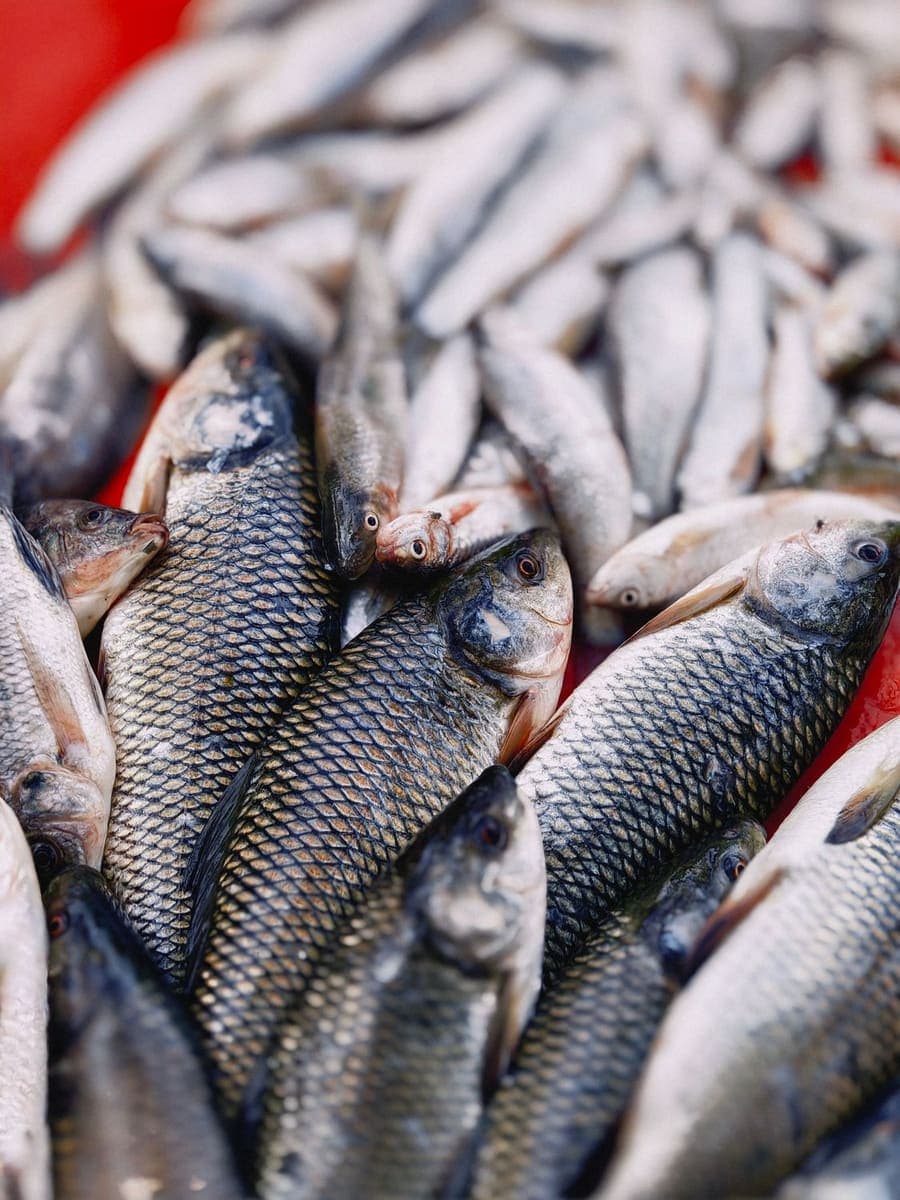 Photo · Vikesh zen / Pexels
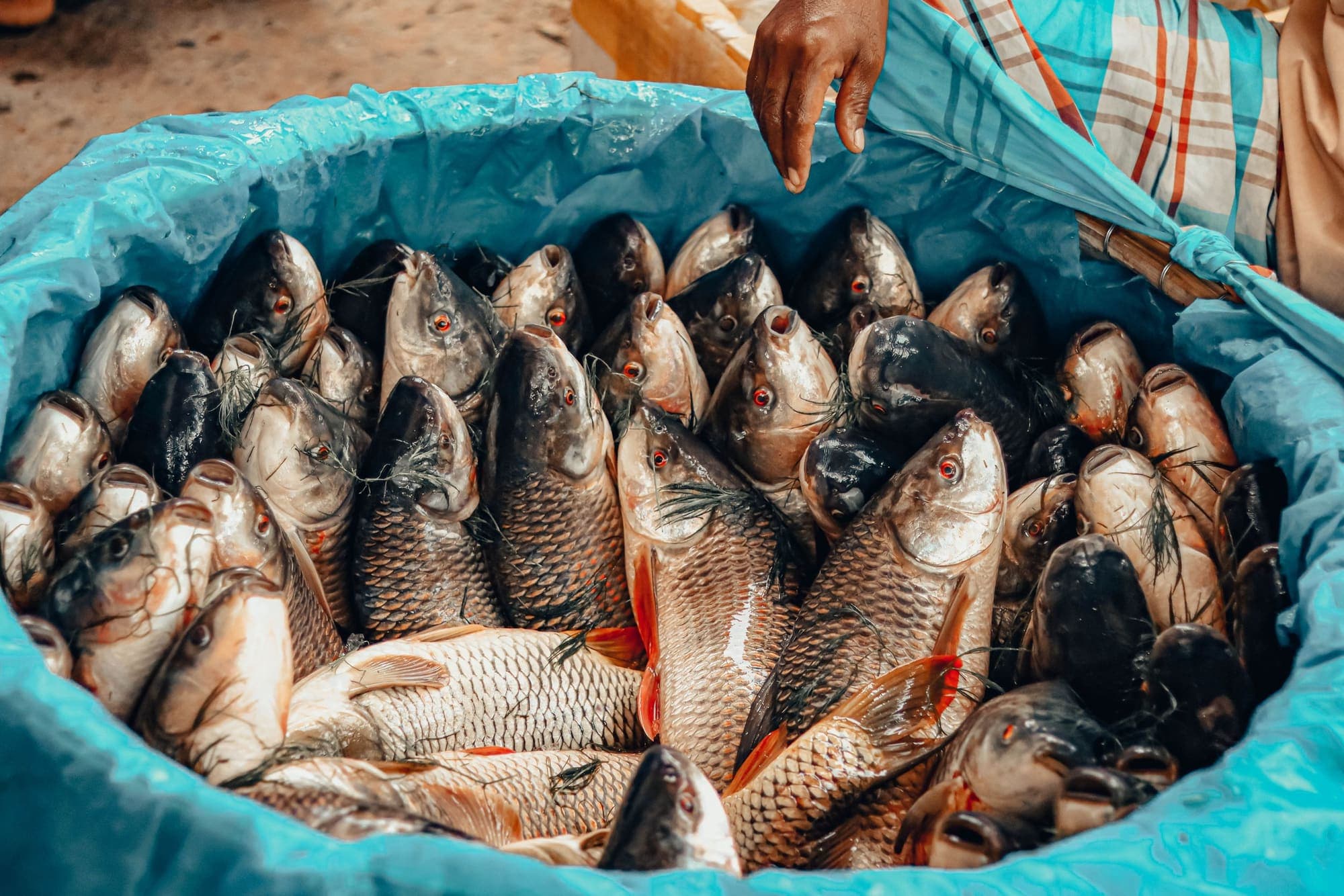
River fish, fresh at the market  Photo · Tarek Mahmud Official / Pexels
A fishing boat beside its nets 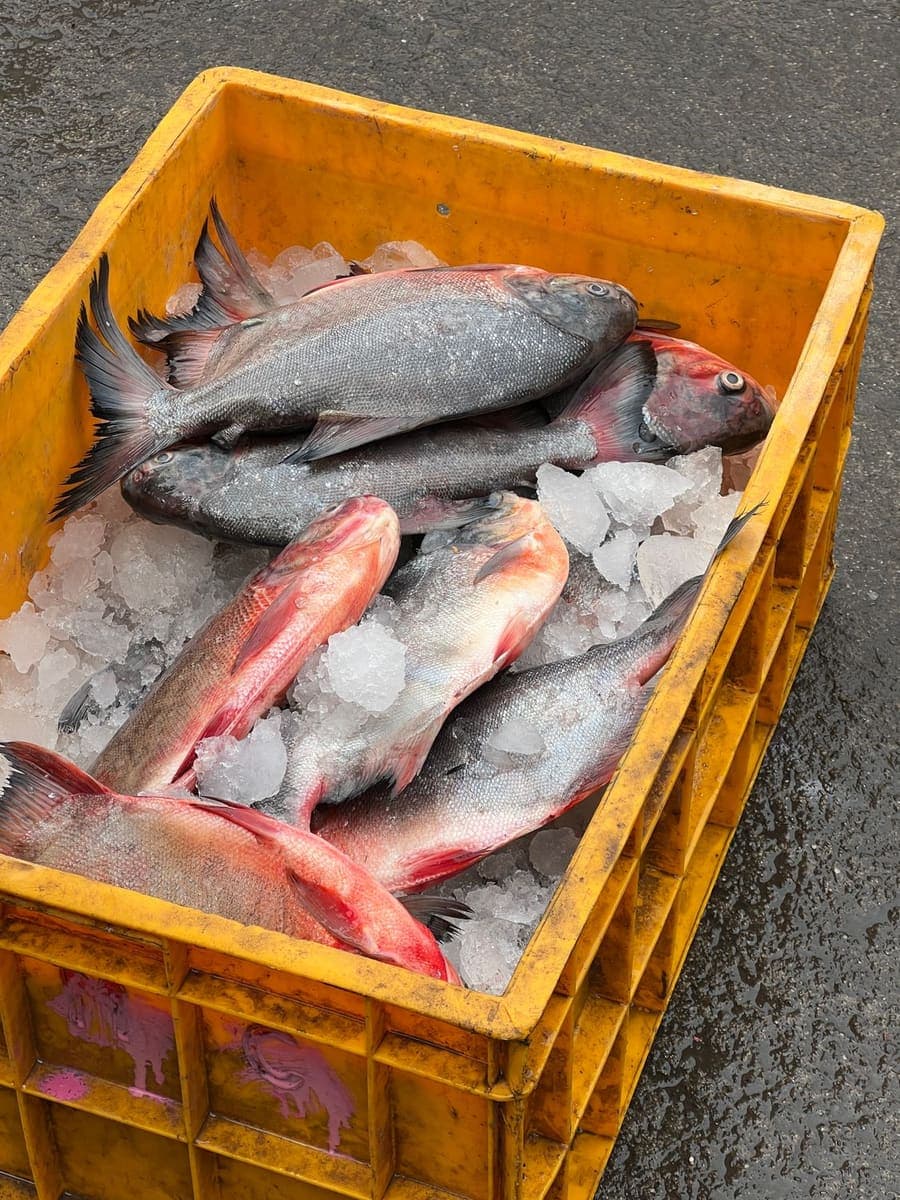 Photo · Manoo Media / Pexels
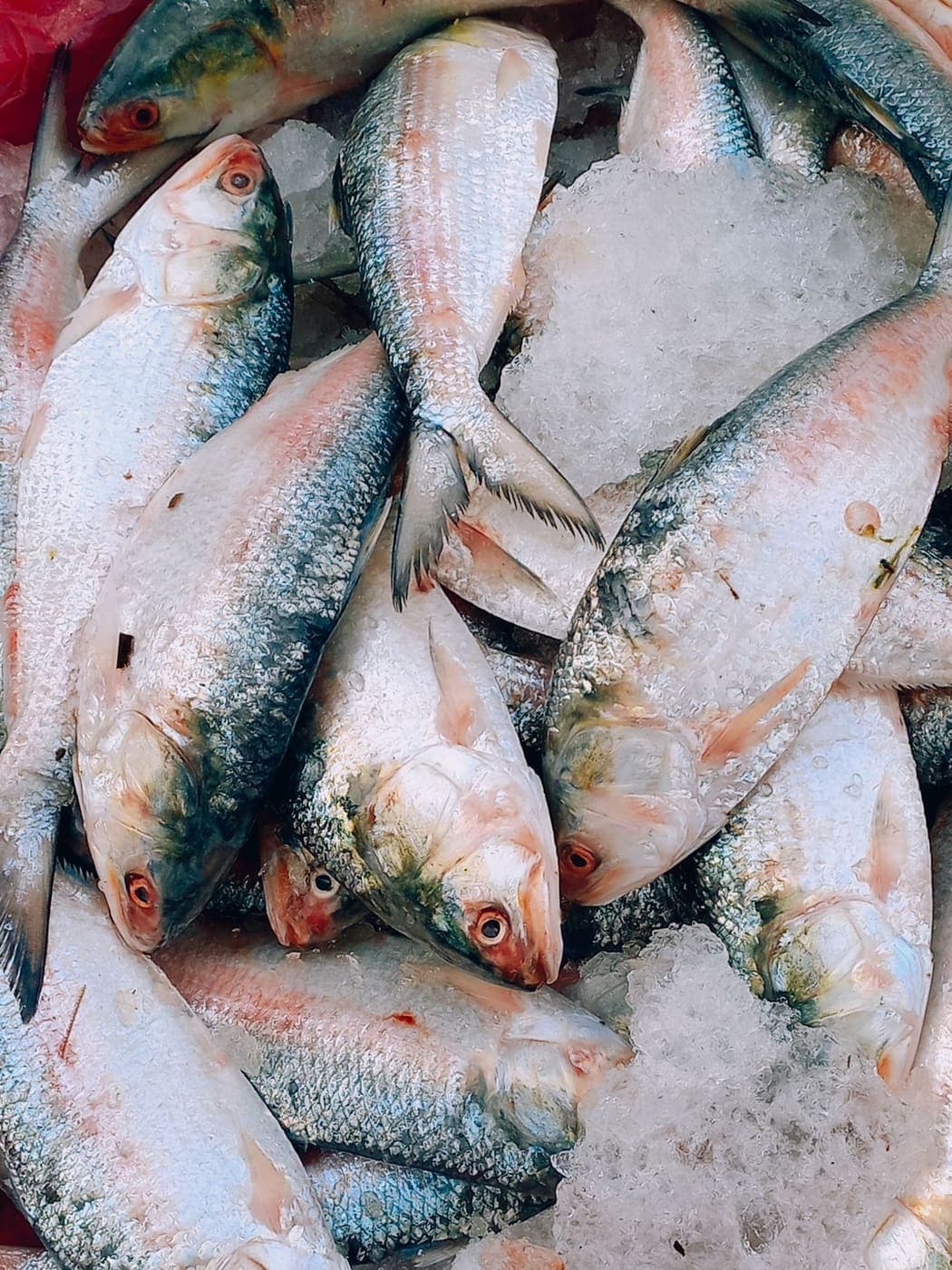
Fish packed on ice 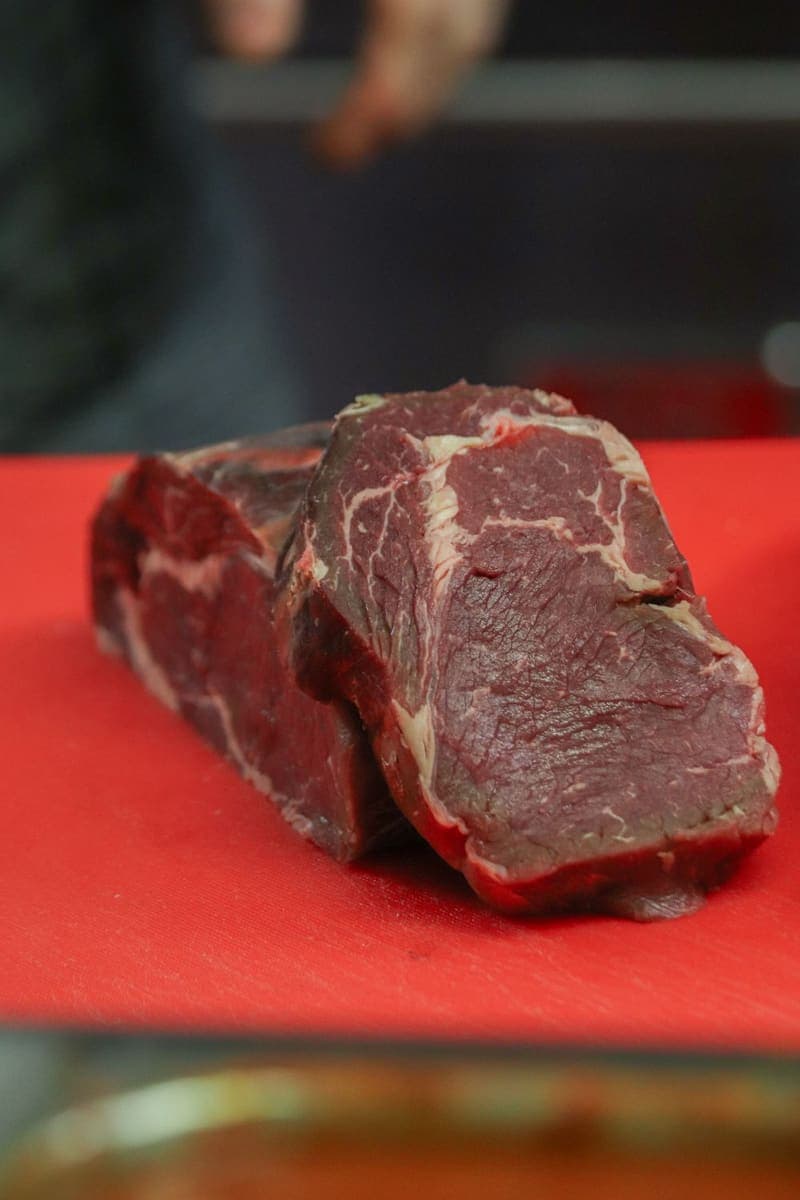 Photo · Boys in Bristol Photography / Pexels
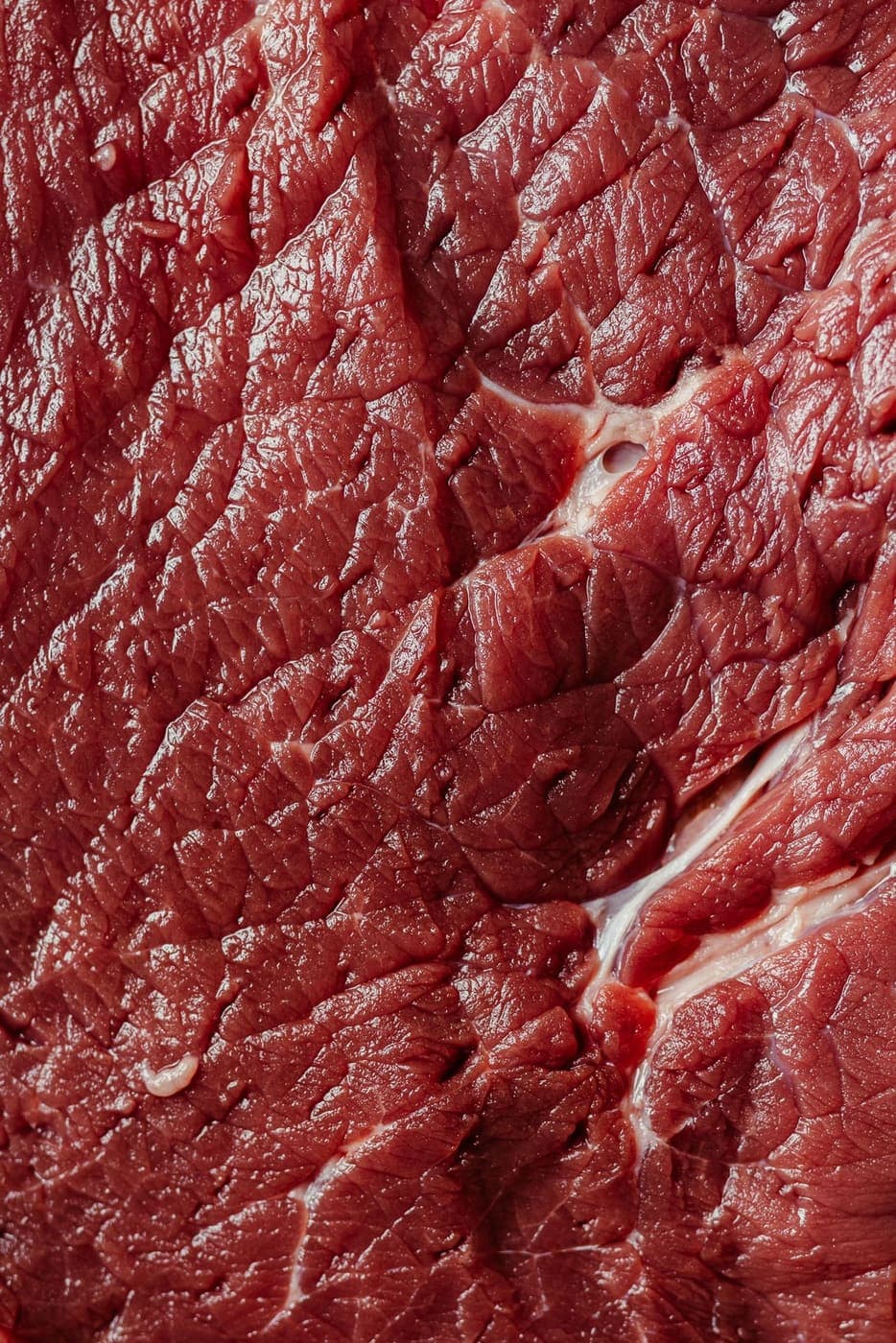
A thick cut of beef 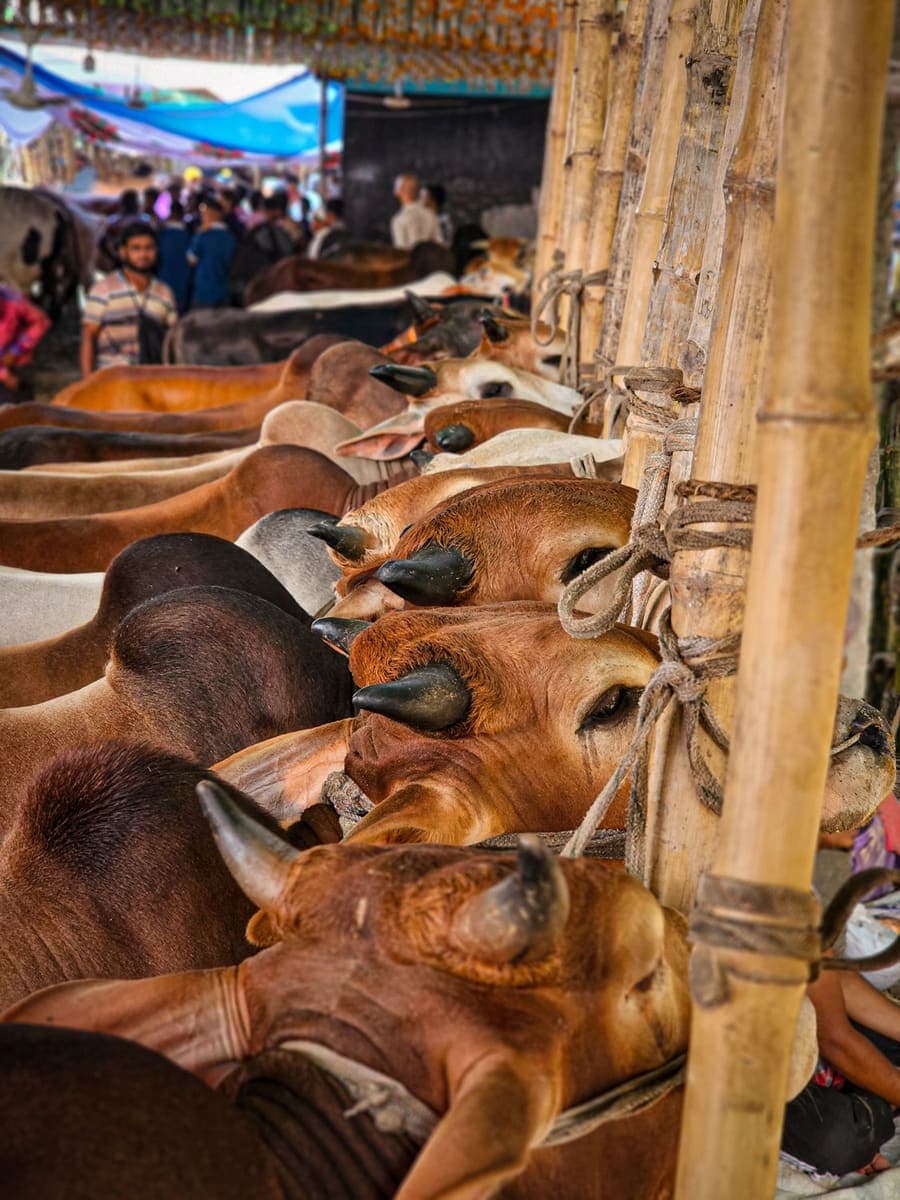 Photo · Emadul Islam Akash / Pexels
Cattle at the haat 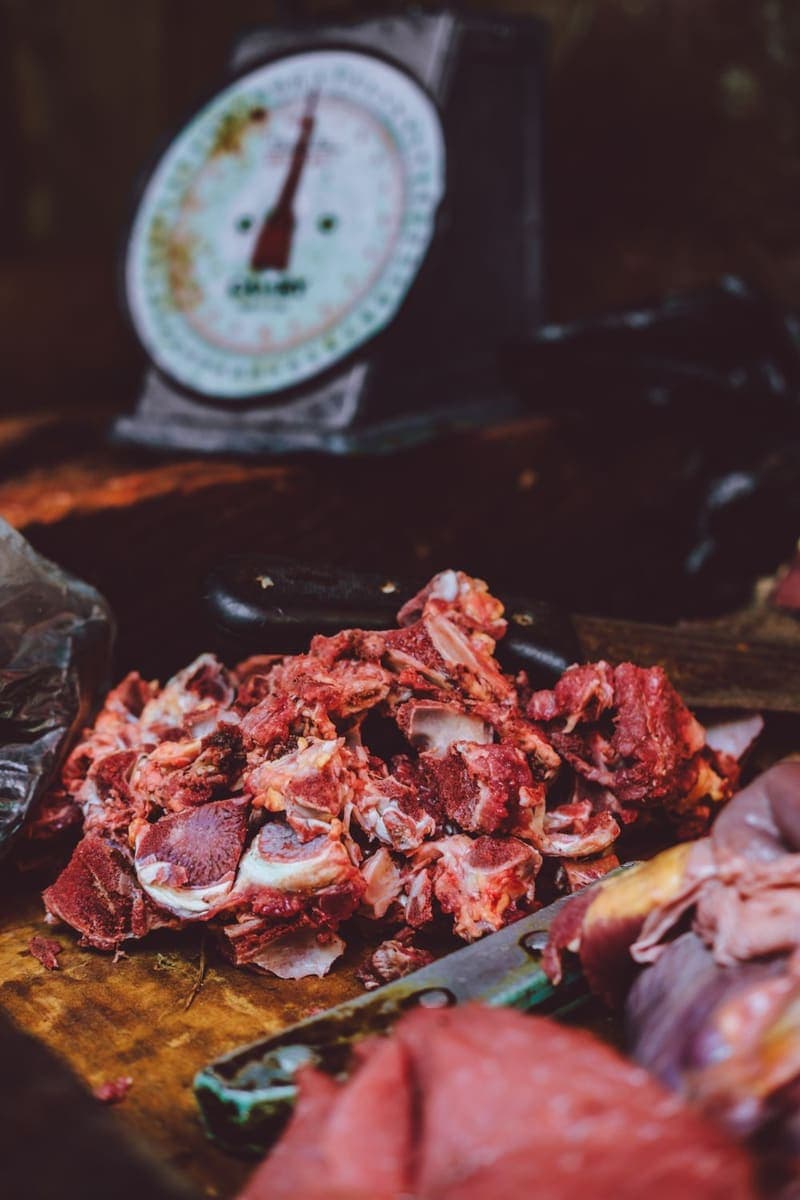 Photo · The Chongaiman Ace / Pexels
Mutton by the scale 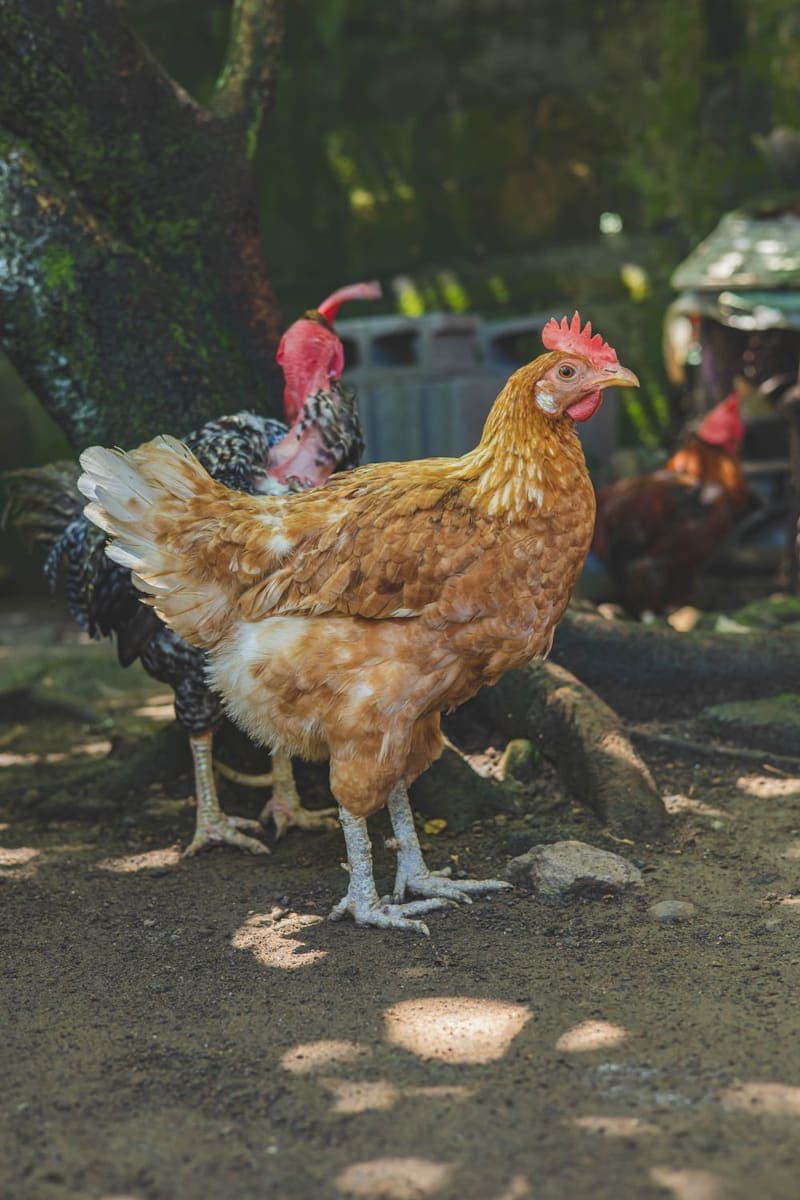 Photo · Armando H2 / Pexels
A hen in the farmyard 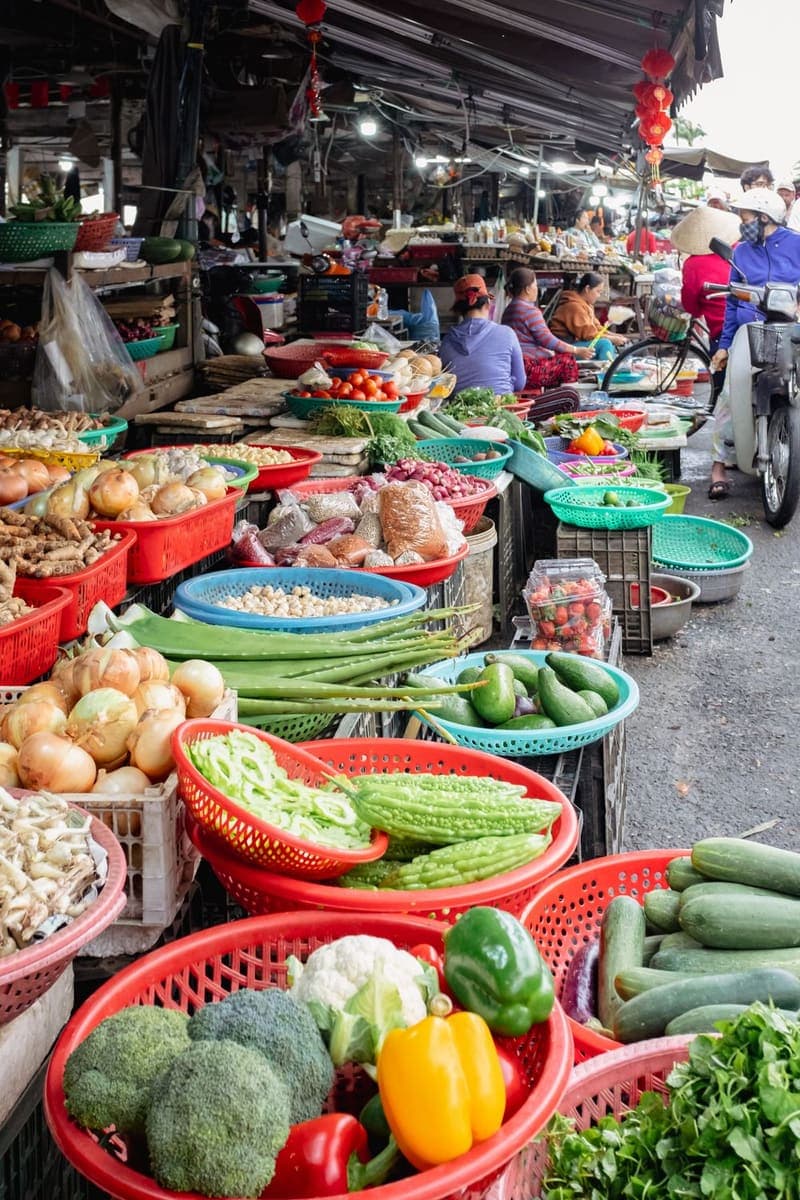 Photo · Kirandeep Singh Walia / Pexels
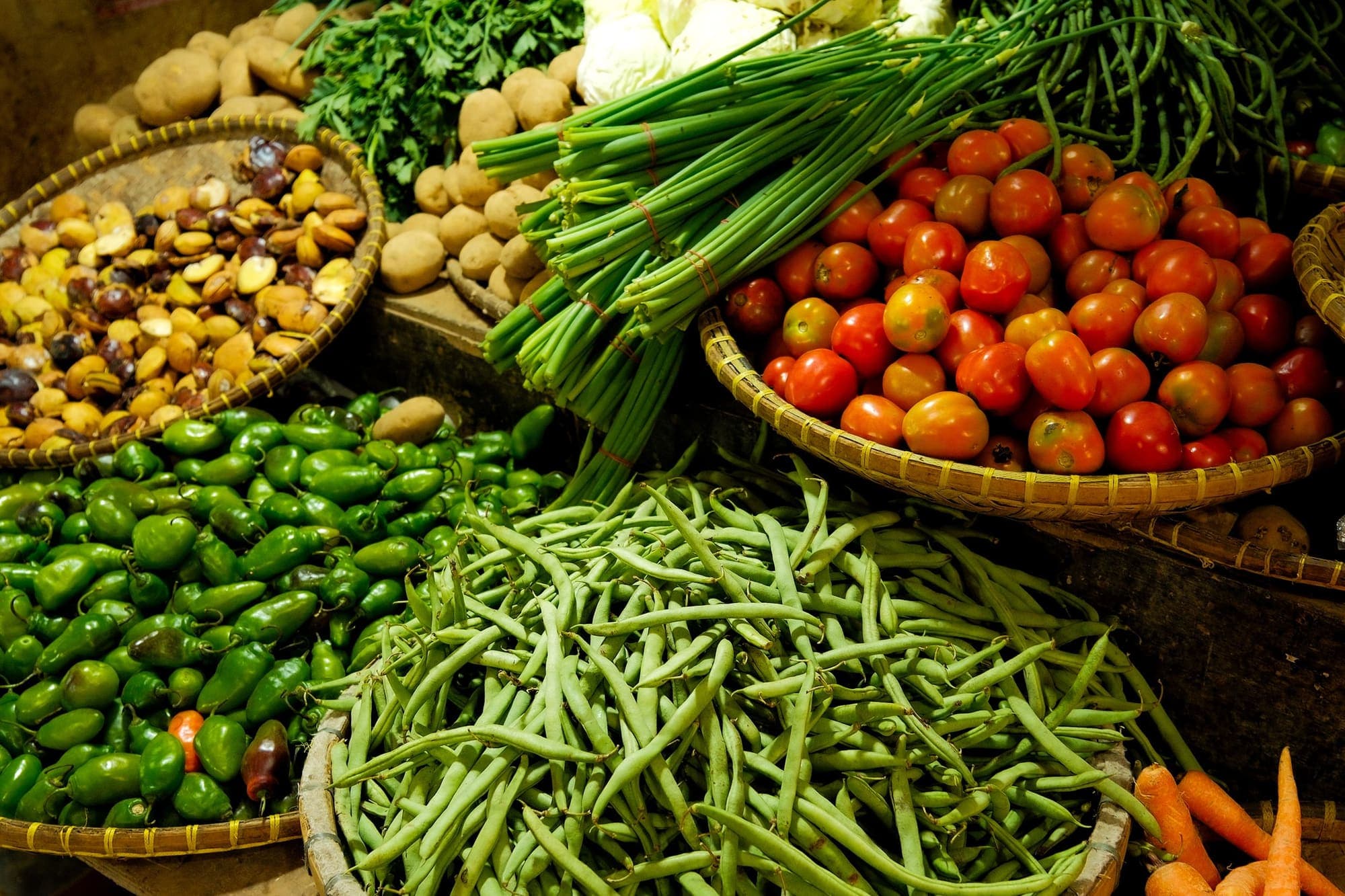
Vegetable baskets at a street market 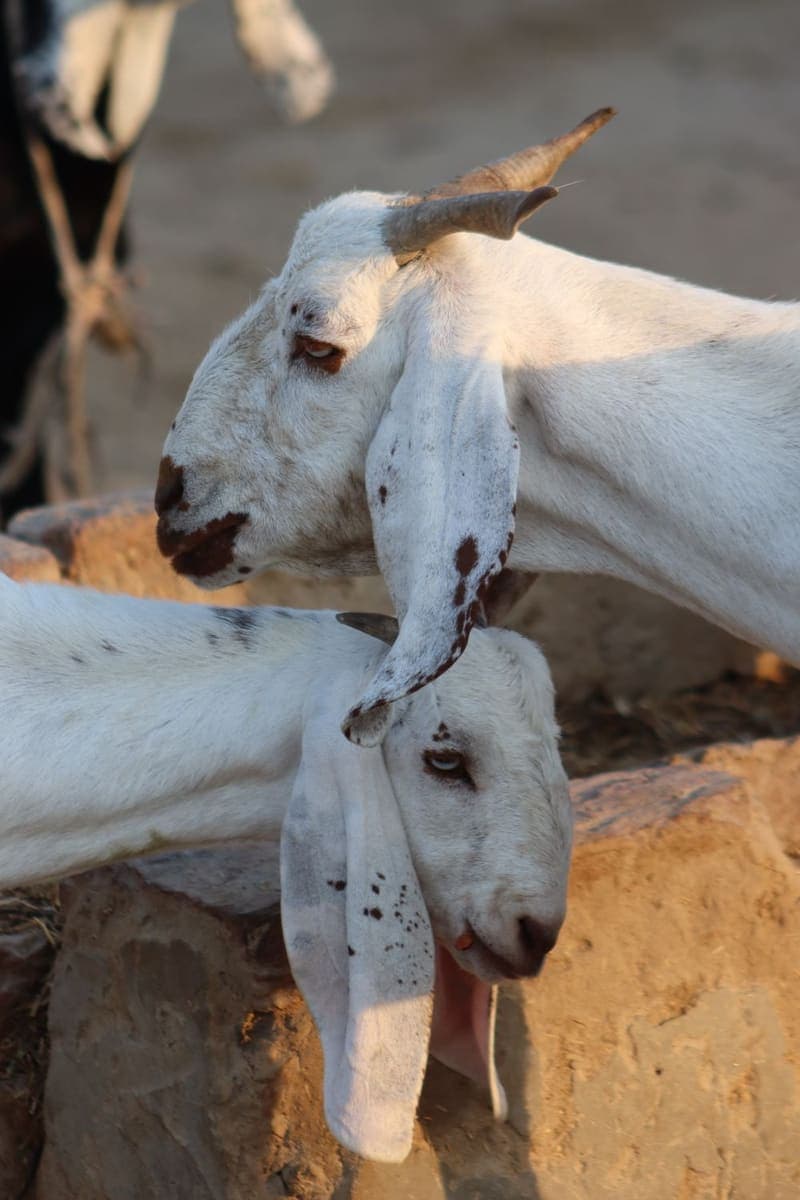 Photo · Dr Photographer / Pexels
Goats at rest 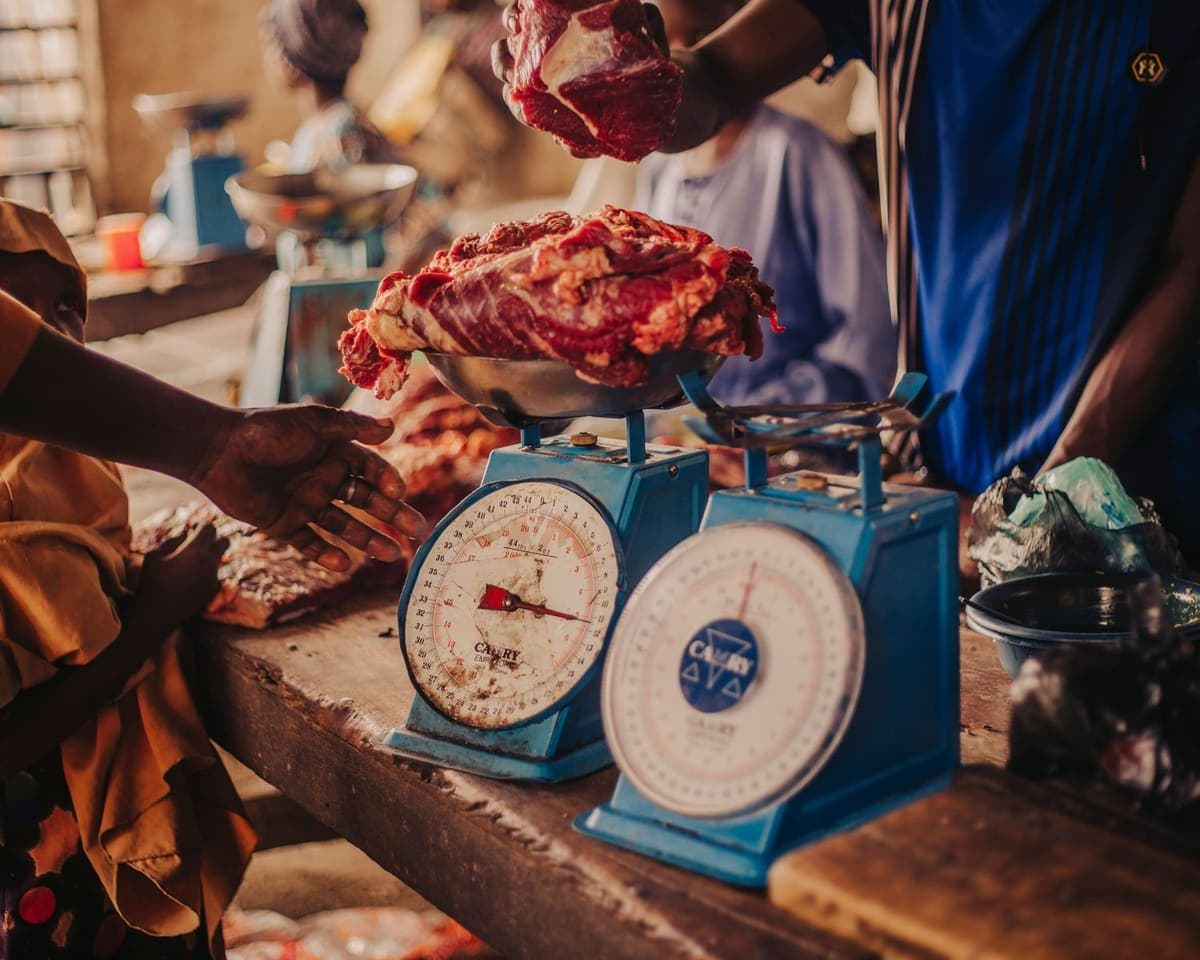 Photo · the northern lense / Pexels
Meat on the market scales 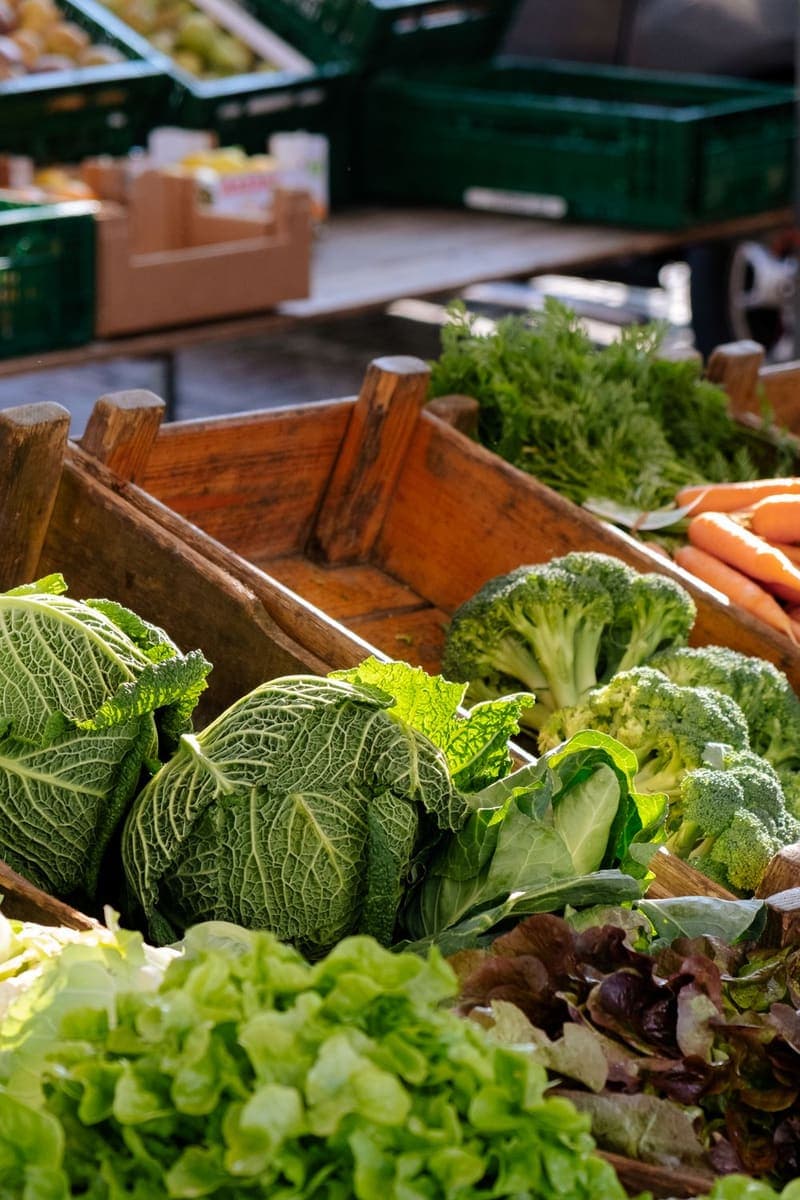 Photo · Annaëlle Quionquion / Pexels
Cabbages and leafy greens 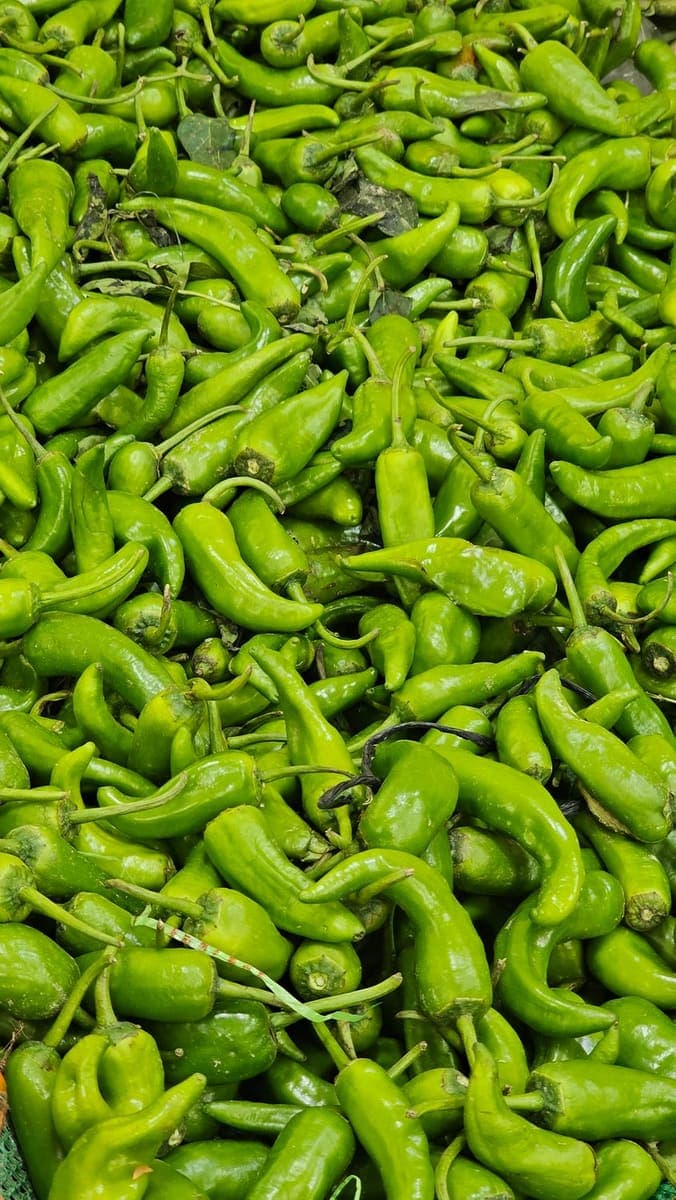 Photo · Muhammad Khawar Nazir / Pexels
A heap of green chillies 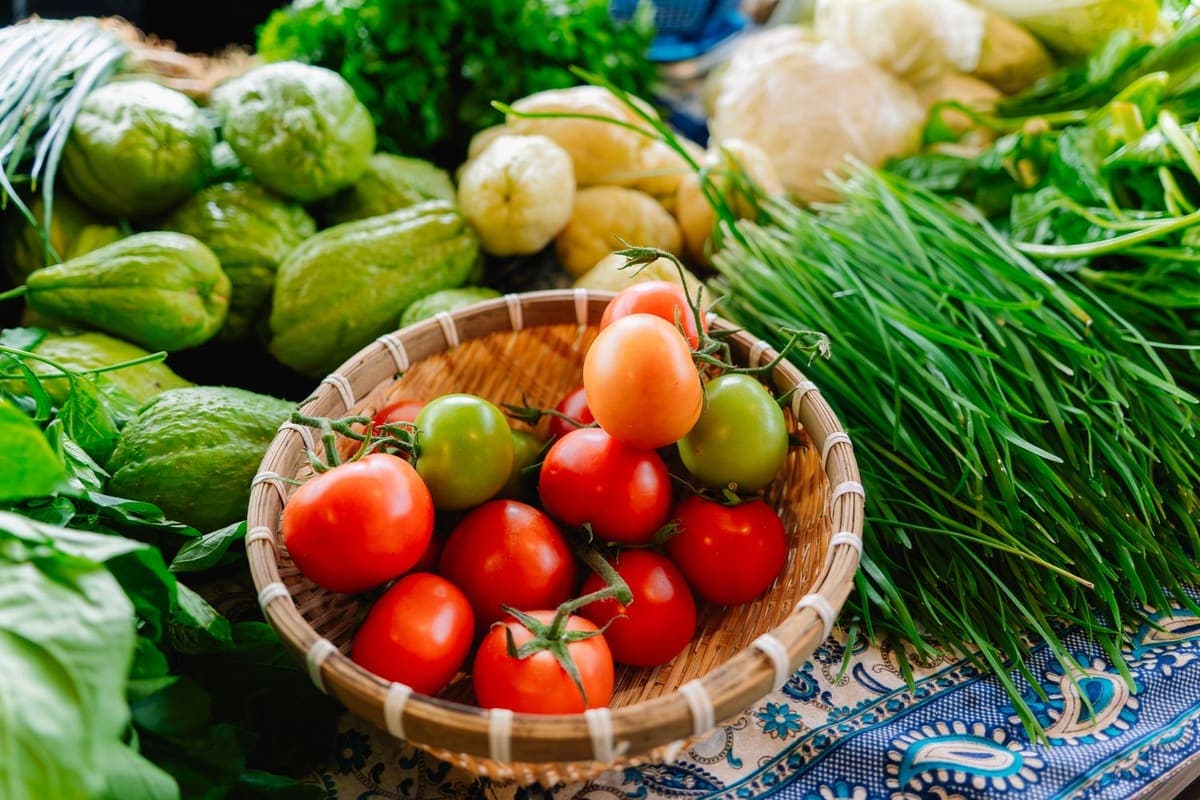 Photo · Surya Travel / Pexels
Tomatoes and fresh greens 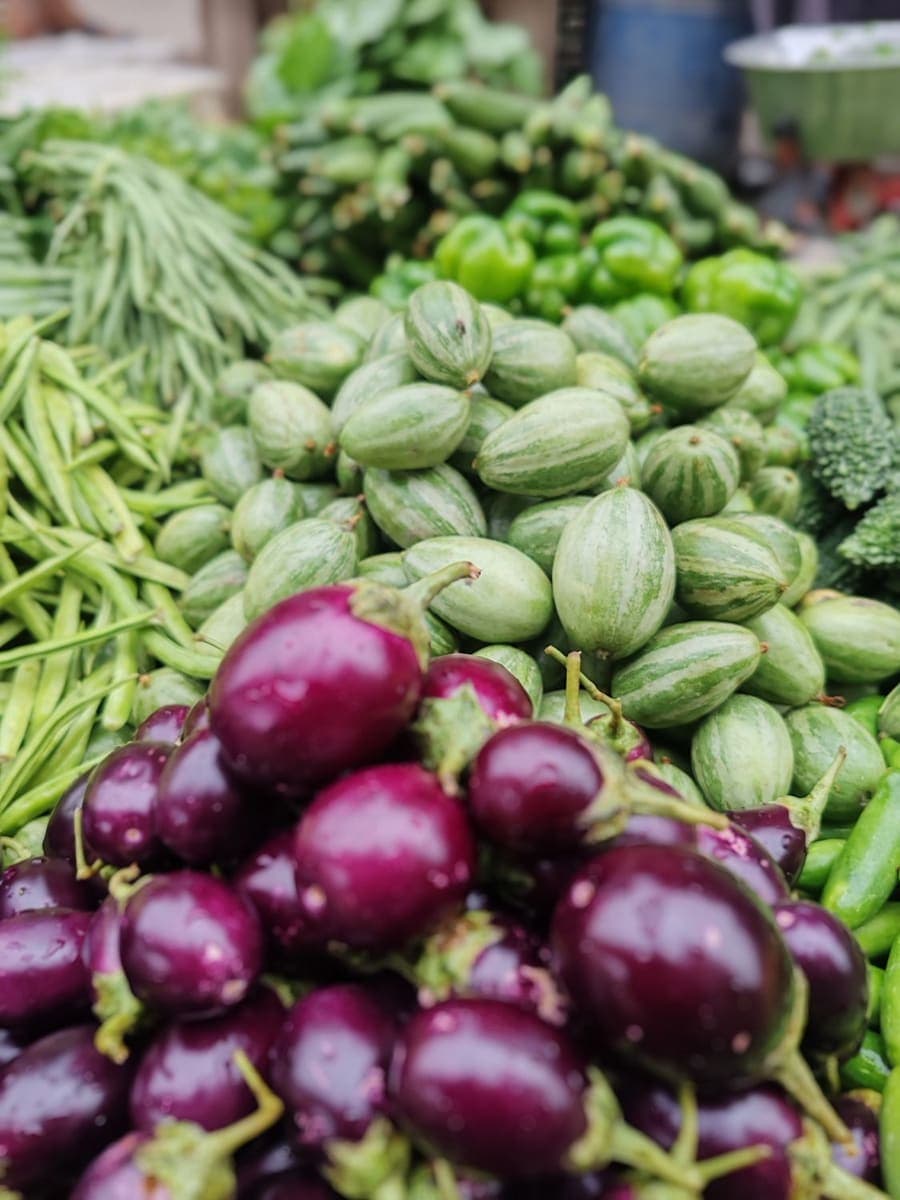 Photo · Ahmad Khan / Pexels
Brinjals and beans 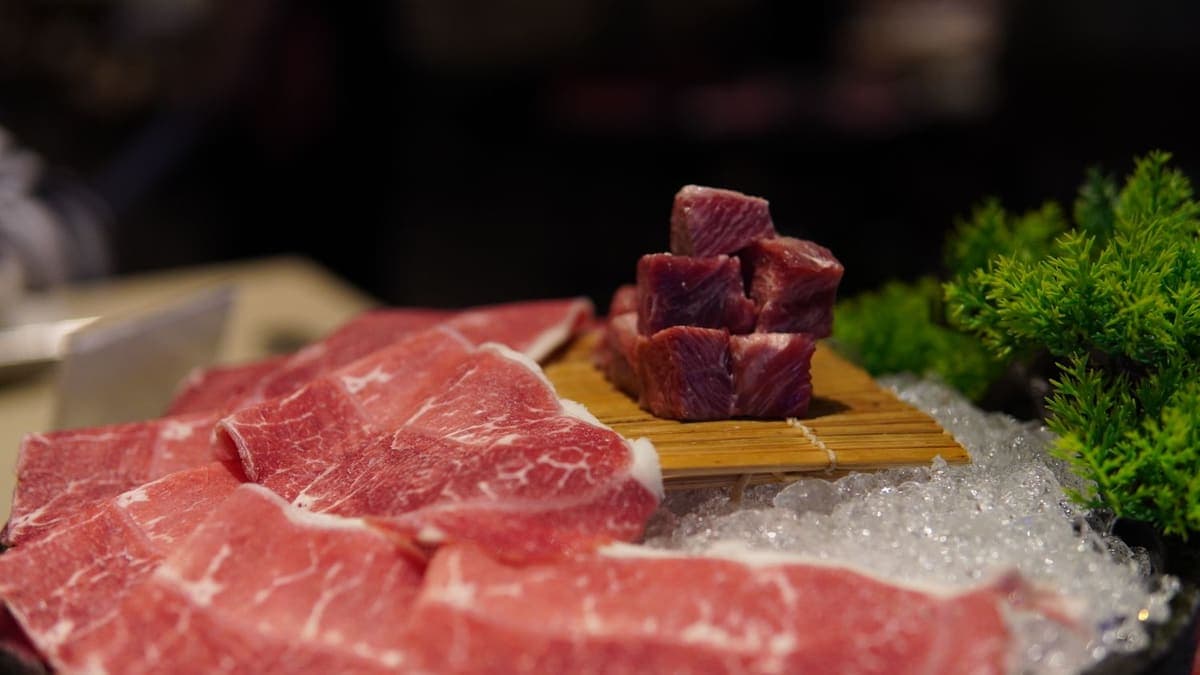 Photo · J-Steve Pham / Pexels
Cuts chilled on ice 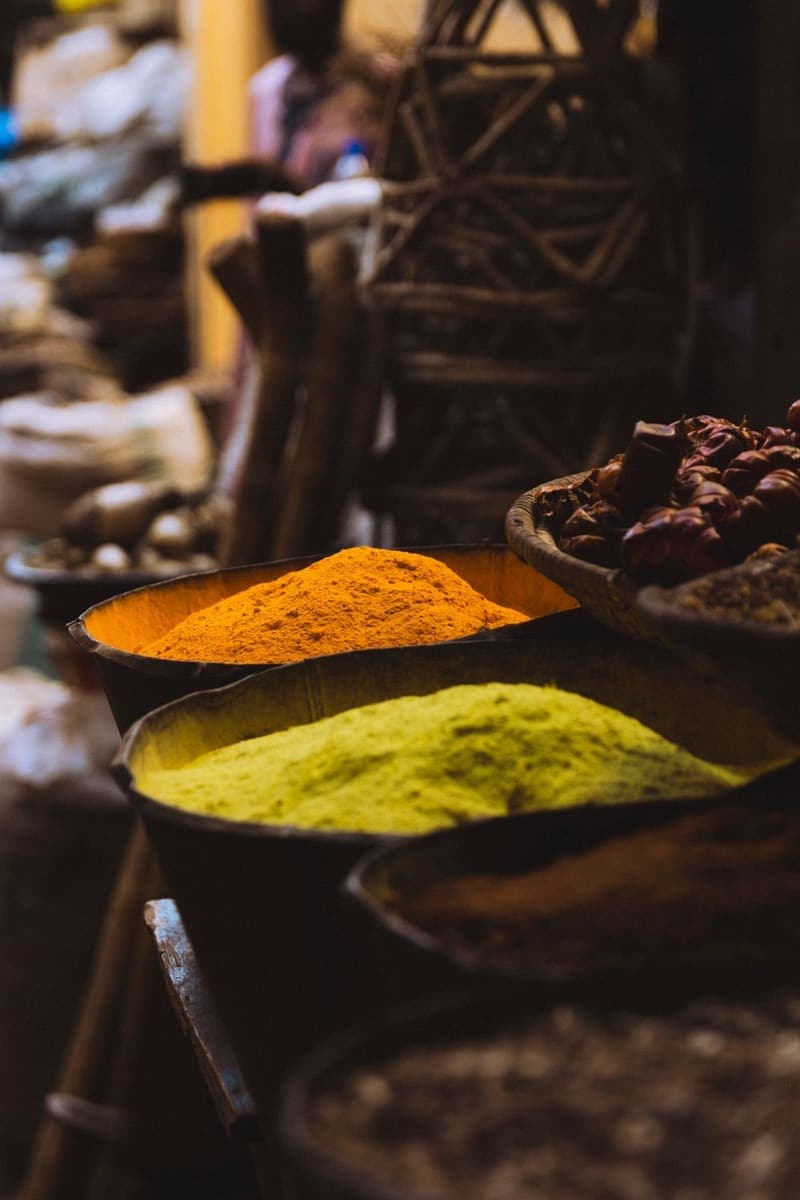 Photo · Usman AbdulrasheedGambo / Pexels
Ground spices at the bazar
How a live auction works
Four steps, one clock.
What the preview walks you through, from the feed to your door. Bids, wins and payments in it are simulated.
01
Find a lot
The feed lists live fish, poultry and livestock lots. Each card shows the weight, the ghaat or haat it comes from and its own clock.
Live now
Hilsa ইলিশ
Fish2.4 kg · Chandpur Ghaat
Opens at ৳2,500
Deshi Chicken দেশি মুরগি
Poultry1.7 kg · Gazipur
Opens at ৳560
Illustration · sample lots
02
Bid in +৳50 steps
The bid button always offers the current bid plus ৳50. The bid history sheet lists the latest bids on the lot.
03
Late bids reset the clock to 2:00
Every new bid puts the clock back to 2:00, so a lot can’t be taken by a bid in its final second.
Before0:04Bid +৳50 lands
After2:00Illustration
04
Win, choose preparation, pay
Take the lot whole or cut & cleaned (৳100), add delivery details and pay in the demo checkout — no money is charged. Then follow the order through 6 tracking stages.
Preparation
- WholeFree
- Cut & cleaned৳100
Order tracking
- Bid won
- Payment received
- Fish received at ZF warehouse
- Processing & packing
- Out for delivery
- Delivered
Demo checkout — no money is charged.
Livestock · the meat map
Buy the cut, not the cow.
In the preview, a whole animal is one lot — or 15 separate lots on the cow map, each with its own live bid and clock. Pick a cut below to find it on the map.
Rib পাঁজর
Est. 18 kg · Sahiwal Cow, Gabtoli Haat
Opening bid · sample৳7,400
Transparency, as designed in the preview
See what's happening at every step.
Each of these is a working screen in the preview app — open it and try it.
Live bid history
Every lot has a bid history sheet listing its latest bids and their amounts, including yours.
Open a lot — Live bid historyVisible timers
Each lot and each cut on the meat map shows its own countdown. A new bid resets it to 2:00.
See the cut clocks — Visible timersOutbid alerts
When someone bids over you, a banner tells you straight away, and your bids list shows where you stand.
Your bids — Outbid alertsOrder timeline and processing video
Orders move through 6 stages. Fish and meat orders show a processing video — sample footage in the preview, not your actual order.
Your orders — Order timeline and processing videoNet weight on Freezer packs
Fixed-price Freezer product pages list the pack’s net weight, most with a stated tolerance.
See a product — Net weight on Freezer packsStock you can watch drop
Sabji Live shows how many kg of each item the stall has left, and the number drops as weights are bagged.
Join a stall — Stock you can watch drop
Loyalty coins & referrals
Coins as you spend.
In the preview, what you spend earns loyalty coins you can use at checkout, and friends who join with your invite code earn you more. Balances are demo data saved in your browser, not real money.
- for every ৳1,000 you spend
- 10 coins
- when you pay with coins at checkout
- 10 coins = ৳1
- of each purchase a friend makes counts towards your coins
- 10%
- for rating a delivered order
- 15 coins
ZF Club · proposed membership
A little more privilege in every basket.
One membership across morning auctions, Sabji Live and ZF Freezer — from ৳149/month, with ZF Rewards free for everyone.
- Up to 4 delivery-fee waivers a month on eligible orders
- 2 ZF Coins per ৳100 instead of 1
- Selected member-only morning auction lots — same bidding rules for everyone
- Early alerts for featured Sabji Live sessions and member-only Freezer bundles
Proposed plans with illustrative prices — previewing one in the app takes no payment.
Get the app
Install it like an app, without a store.
On Android and on computers with Chrome or Edge, install it straight from the browser. On iPhone and iPad, use Share → Add to Home Screen; in Safari on a Mac, File → Add to Dock. Or try it in your browser first.
Google Play — coming soonAn Android app on Google Play is planned. Until then, install the web app — it works the same way.